
3D Building Games
Mine - Online
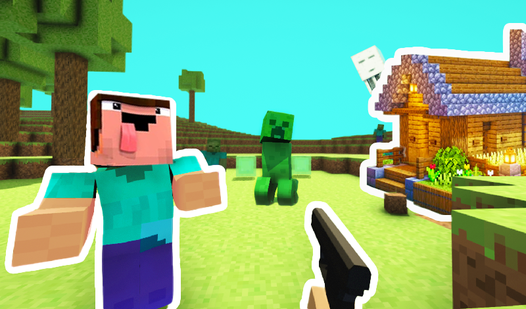
Noob defends the village
Mine Block: Sandbox!
BlockMine Craft 3D
Playground 3D
Blocky World 3D: Creative Mode!
99 Nights in the Forest 3D
Truck parkour
Build a Rollercoaster: Simulator
CraftedSurvival 2: Mine Survival & Building
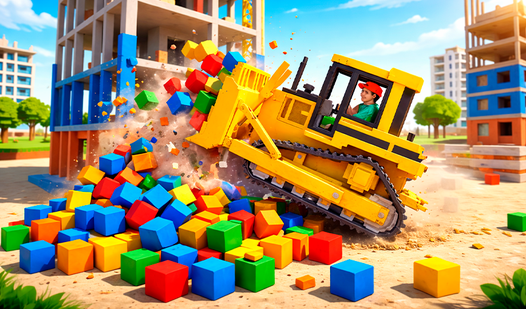
Destroyer Mobile - Destruction Simulator
Obby: Raft Tycoon. Ocean of Money!
Survive 99 nights in the forest. Original
Hide and Seek in Minecraft
Crafted Survival Chronicles
Mine - Survival and Battles
Schoolboy Simulator: Back to School!
Skyblock 3D: Survival
Age Evolution Tycoon!
Domino Playground
Digger: Survival
Tycoon: City of Dreams
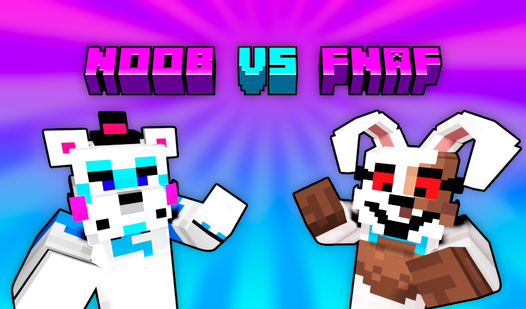
Noob vs FNAF
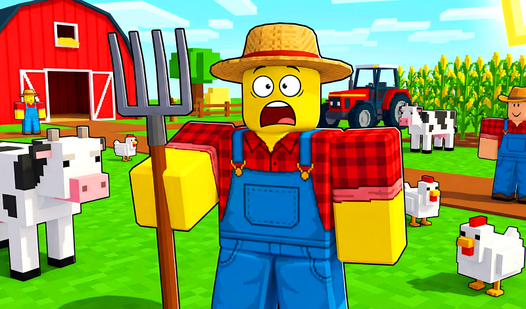
Obby Tycoon: Farming Simulator
Trap Craft 2
Miner Builder
Obby: Defend your base from 67
Robby Tycoon: RUSSIA
Noob Lumberjack
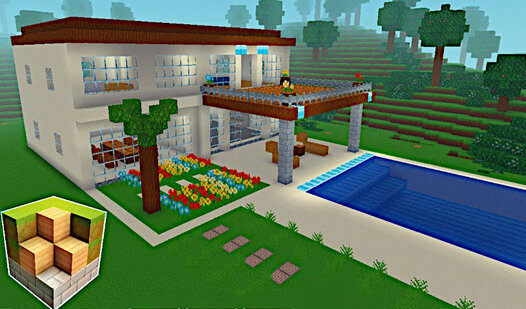
Block Craft 3D
Obby: Build your House!
Minecube
Create game!
Sponge on the Island: New Home!
Noob Raft: Ocean Survival
Skycube Craft: Mine Survival
Craft World
Mine 3D Craft
Obby: Connect the Sprunks
Obby tycoon: Build the city of dreams
Destruction Simulator: Noob and Haggy
Build a Boat Obby Treasure!
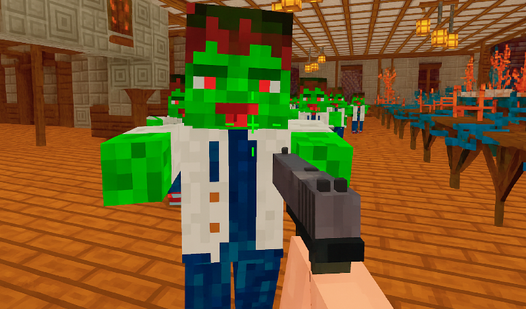
Zombie Assault: Survive, Build, and Shoot
Mini Farm
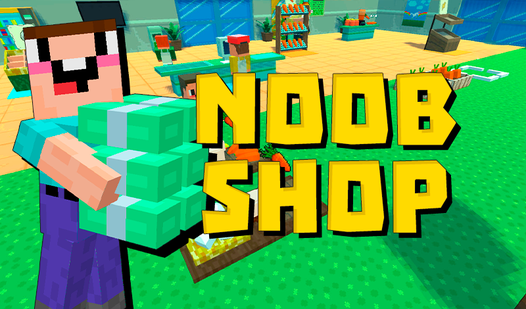
Noob Shop
Noob Craft: 3D Block Sandbox
Crafty World Build
World of Blocks 3D
Cubeworld
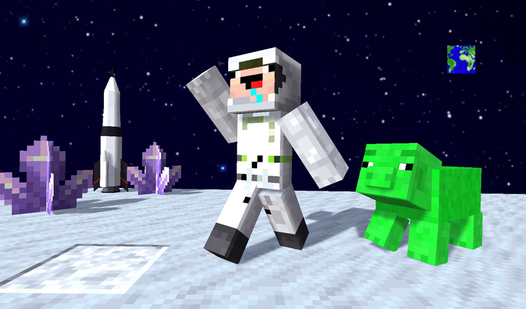
SpaceCraft. Noob: Return to Earth
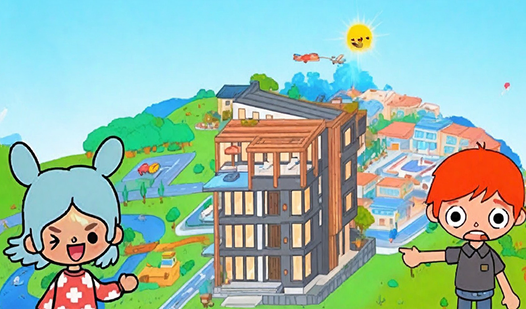
Toka Boka - Taykun Dream House + $1 3D
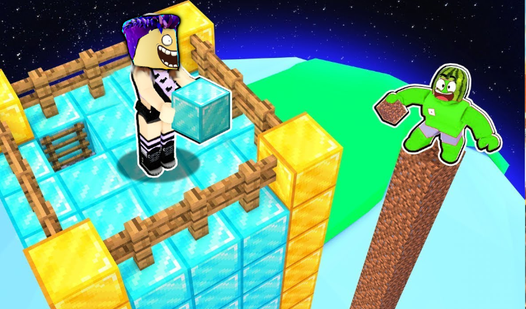
Legendary Obby +1 Block Per Second
Nubic Car Crasher
Block Craft World 3D
Noob Tower Defense
Tower Master: Collect & Build
Mansion Tycoon
Spiral Parkour 3D
Noob Builder Survival
Attack on the village of noob and friends








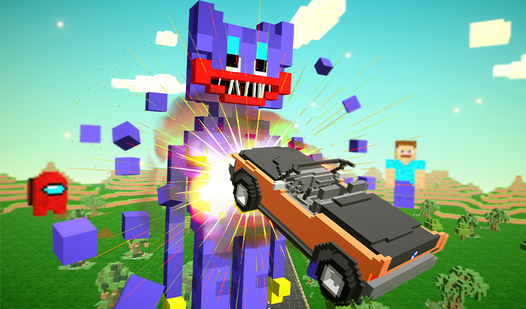
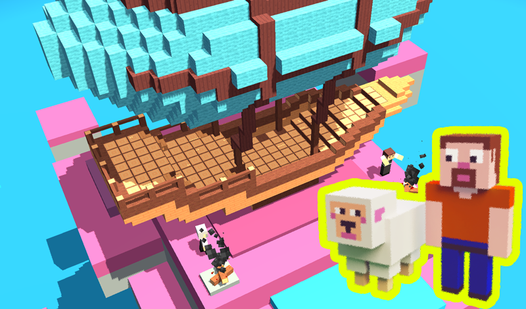
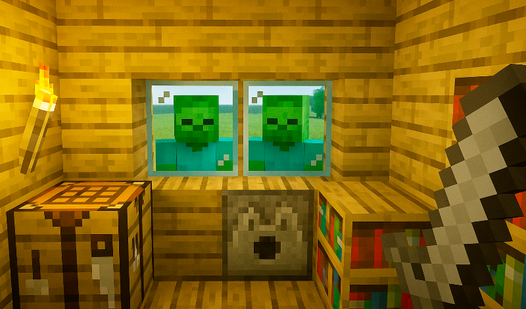
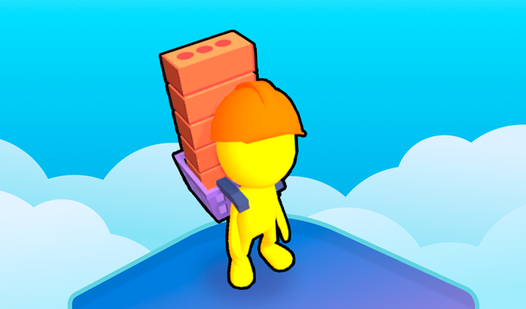
About these games
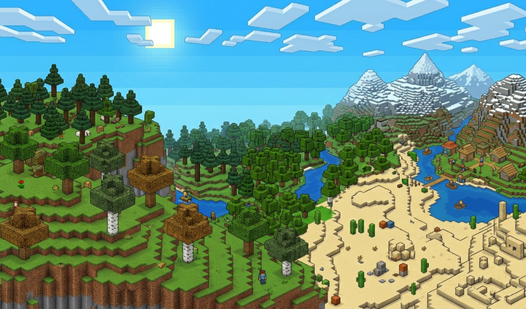
3D building games hand you a space with real depth and let you fill it: stack blocks, raise walls, and watch a structure take shape from every angle as you orbit the camera. They run on HTML5 and WebGL, so the whole thing lives in a browser tab. Click a title, give it a few seconds to load, and you are already snapping the first piece into place. Nothing to install, no account to make, no progress bar to babysit.
This page is where 3D Games meets the broad building category that runs through the catalog. The 3D library is about depth and a camera you can move; the building tag is about placing, stacking, and constructing whatever the game offers. Where they overlap, you get construction you can walk around in three dimensions, which is far more specific than either side alone. If you like the physical, stack-and-balance side of things, the sibling page 3D Physics Games leans into how those structures wobble, settle, and sometimes collapse.
The sub-types cover a fair range. Some are open sandboxes where you place blocks freely with no goal but your own design. Others set a task: span a gap with a bridge that holds weight, or build a tower as tall as you can before it tips. Controls are usually click-to-place with mouse or touch, plus drag to rotate the view. Sessions are relaxed and open-ended, the kind you can leave and return to without losing the thread.
Browse more
Related combinations
FAQ
Are these 3D building games free?
Yes, all the 3D building games here are free. They open right in your browser using HTML5 and WebGL, with no cost to start and no signup required. A few include ads or optional extras, but placing blocks and raising structures is free from the first click. You can build for a while, close the tab, and come back anytime.
Can I build freely without goals?
Yes, many titles here are open sandboxes. You place blocks and shape structures with no objective beyond your own design, taking as long as you like. Other games do set tasks, like spanning a gap or reaching a height, if you prefer a challenge. Both styles sit on this page, so you can pick a free-build mode or a goal-driven one as your mood fits.
How do the building controls work?
Controls are simple and mostly point-and-click. On desktop you click to place a block and drag the mouse to rotate the camera around your build. On touch screens you tap to place and swipe to orbit the view. Most games add buttons for choosing block types or undoing a mistake. There is rarely a tutorial to sit through, so you can start building right away.
Do building games run on phones?
Yes, most of these run well on phones and tablets. They use HTML5 and WebGL, which modern mobile browsers handle without plugins. Touch controls replace the mouse: tap to place, swipe to orbit. Heavier 3D builds may run smoother on a newer device, but the catalog includes plenty of lighter titles that stay responsive even on modest phones.