







Key Features
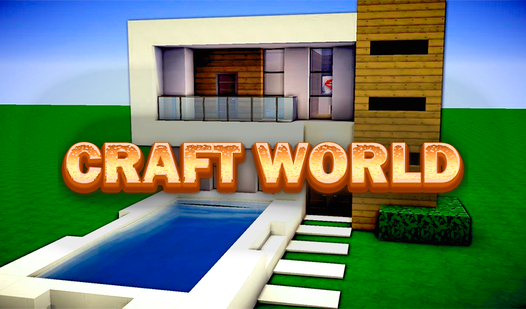
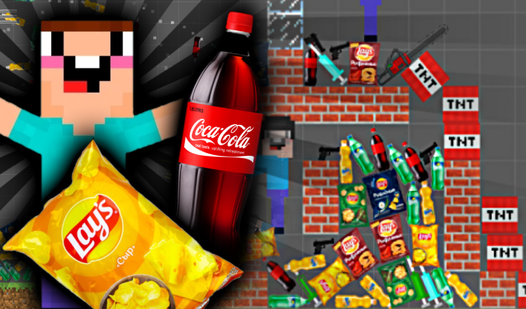
- Massive block library: With over 300 unique items, you can finally build that house you keep dreaming about. It makes every wall feel different.
- Thirty unique biomes: Pick your favorite landscape to host your base. The terrain variety keeps things fresh.
- Creative flight mode: Soar above your creations to fix errors. It saves you from constant climbing.
- Custom skin menu: Change your character look whenever you get bored of the default style.
How to Play
Craft World: Mastering the basics
Use WASD to move and the mouse buttons to place or destroy blocks. The Craft World controls are pretty standard, but watch your cursor placement. One wrong click deletes your hard work instantly. Learning how to play Craft World properly means keeping your finger off the right button when you actually want to build.
Using flight in Craft World
Press F to toggle flight mode. This is a lifesaver when you want to see your structure from a bird's eye view or reach those high corners. Building in the clouds might seem fun, but remember that the physics engine can get a bit janky if you clip through your own walls.
Who Should Play Craft World?
Frequently Asked Questions about Craft World
How do you change blocks in Craft World?
Press Q to open your inventory and select a new item. You can then place your chosen block using the left mouse button anywhere on the map.
Can I play Craft World on my phone?
This game is built for desktop browsers. You will need a mouse and keyboard to handle the movement and building mechanics effectively, so leave the phone in your pocket.
Is Craft World free to play?
Yes, Craft World is completely free to play on Nub Games. There are no in-app purchases. No download or registration required.
Can I play Craft World on mobile?
Craft World is currently available on desktop only. Best played in landscape mode.
What age rating is Craft World?
The catalog age rating for Craft World is 12+.