

Finding games…
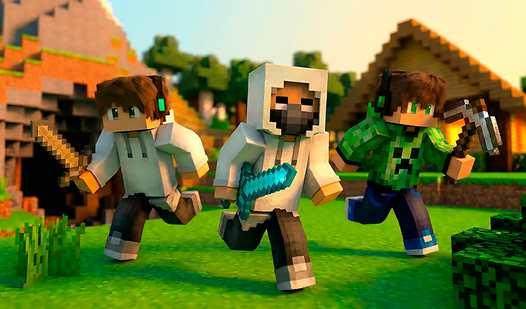

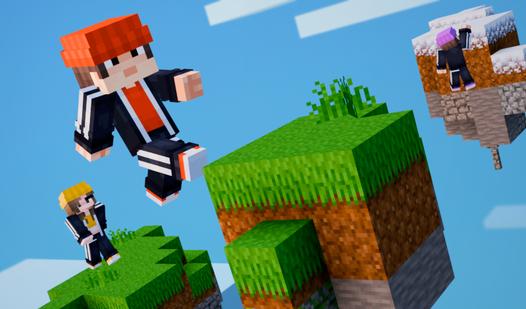




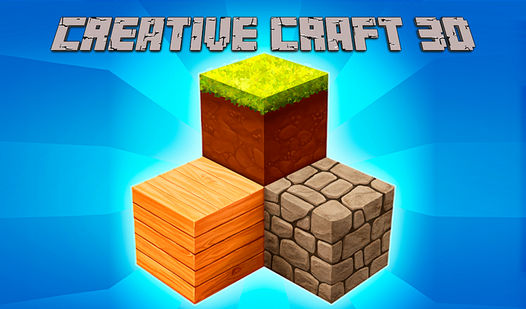

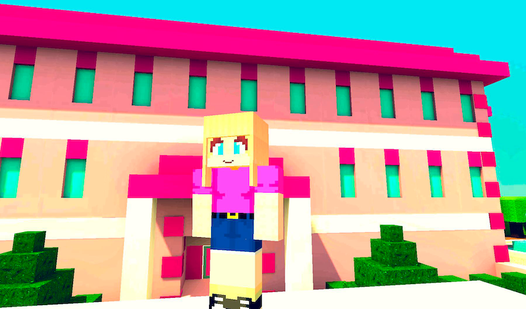


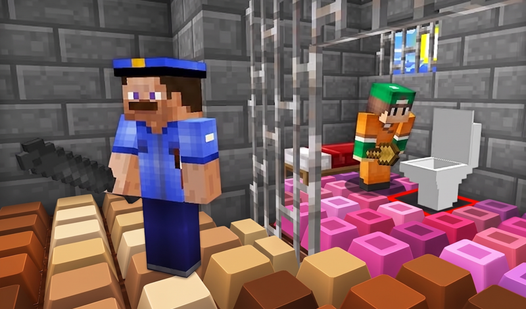

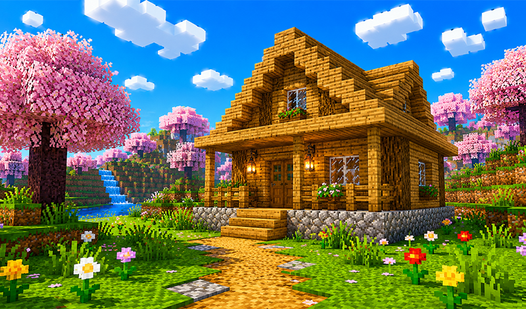

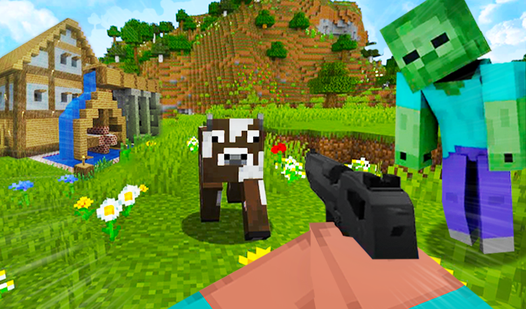
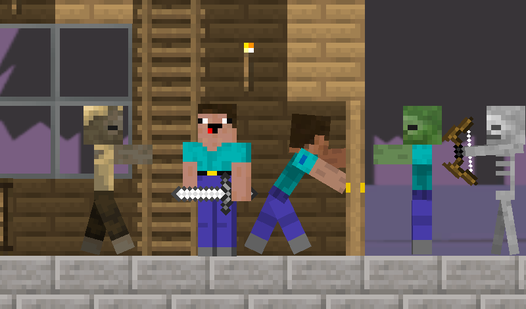


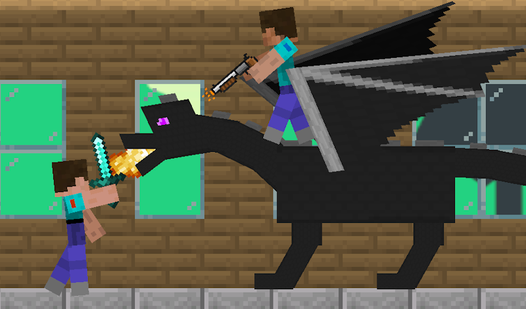
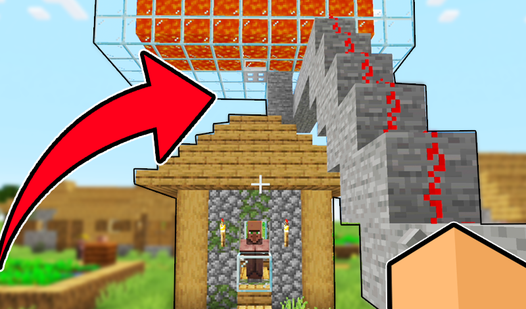

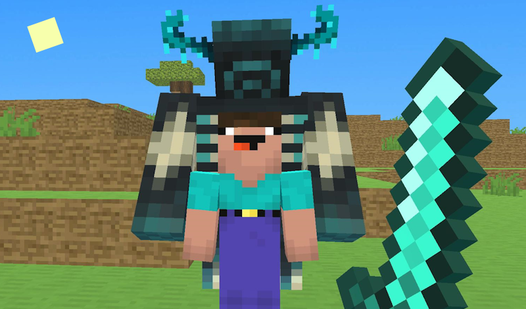
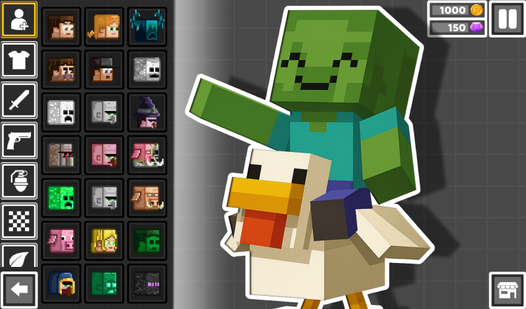
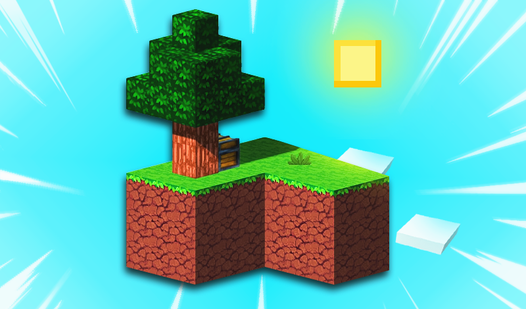

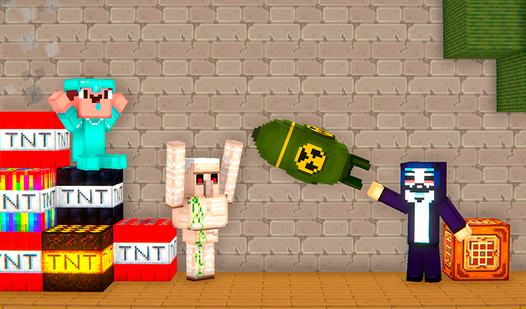
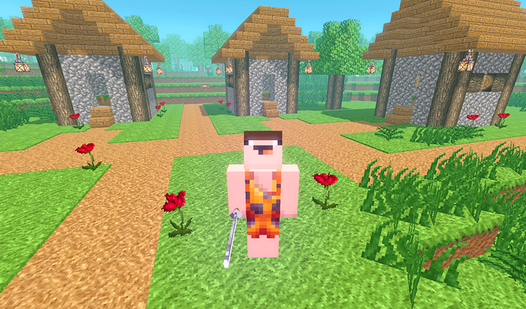
Minecraft games are voxel-based sandbox titles where players mine resources, build structures, and explore procedurally generated worlds - the lineage Mojang's Minecraft established in 2011 and that dozens of browser alternatives now extend.
The selection includes block-placement builders, pixel-style survival games and voxel worlds. Some focus on constructing a place of your own; others use the block-world look for combat, exploration or a puzzle.
Minecraft-style browser games can focus on construction, resource gathering, survival or a single challenge in a block world. Check the available modes rather than assuming a browser title includes the features of the official Minecraft game.
Sub-formats the hub covers:
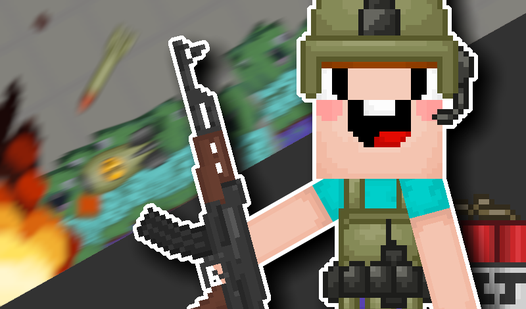
- Creative-mode block builders - unlimited resources, focus on construction and aesthetics - Survival sandboxes - mine, craft, eat, fight mobs at night - Voxel shooters - block worlds as a backdrop for PvP combat rather than building - Puzzle-in-a-block-world - structured levels that use Minecraft aesthetics but impose specific objectives - Parkour and obby-style - block-world traversal courses, adjacent to the obby format
A short session might cover one building project or one survival attempt, while a larger world invites repeated visits. Before investing time in a build, check how the selected game saves progress.
For a focused selection, see Minecraft-Style Games. Minecraft-Style Games You Can Play in Your Browser discusses Minecraft-style browser alternatives. The HowTo below explains what to check when saving a world; save support depends on the individual game.
Minecraft-style describes a look and related mechanics, such as block building or resource gathering. It does not mean that the game is an official Minecraft release. Read the selected title’s description and publisher information to see what it offers.
Only if the game supports saving. Saves may use browser storage, an account or a downloadable file; follow the instructions inside the selected game. The HowTo below explains how to check the save mechanism before a longer session.
Creative gives you unlimited resources and no threats - focus is entirely on building. Survival asks you to mine materials, eat to stay alive, and fight mobs at night. The consequences of failure depend on the game. Creative is better for casual sessions and educational building projects; survival is the proper Minecraft experience and rewards longer session commitment. Browser games often pick one mode and specialize rather than shipping both.
Requirements vary with the game and the complexity of its world. Check its device and control information. If graphics settings are available, reducing render distance or detail may help with slow performance; a block style alone does not guarantee a particular frame rate on an older device.
Check the specific browser game rather than applying the age guidance of Minecraft to every alternative. Building, combat and communication features vary. Use the age label, publisher information and the game itself when deciding whether it is suitable for a child.