

Finding games…













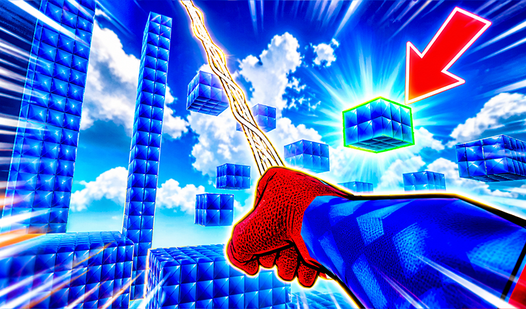

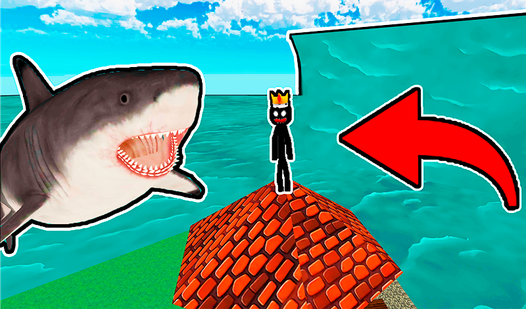

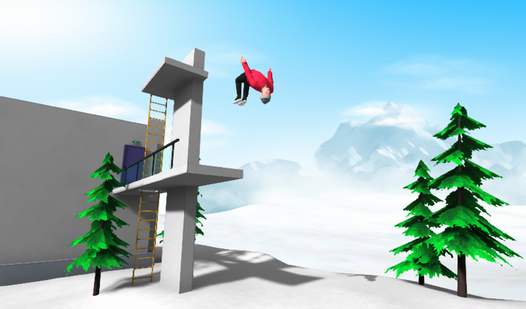




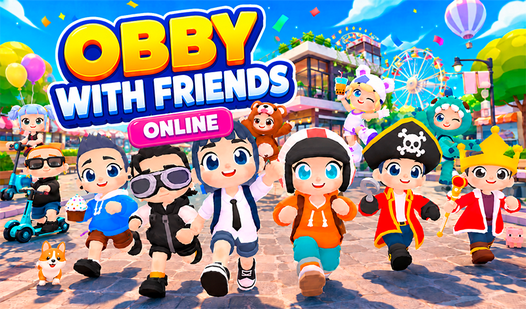
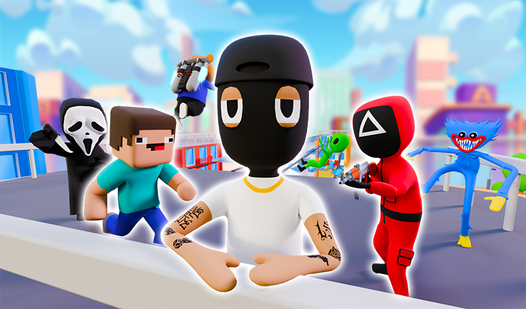
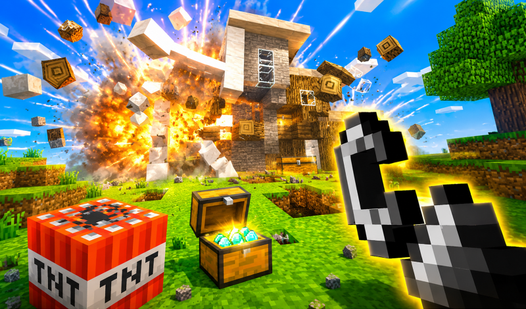
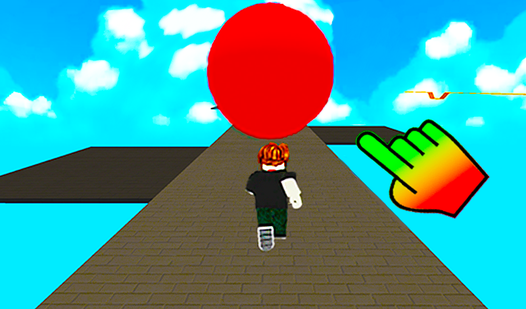
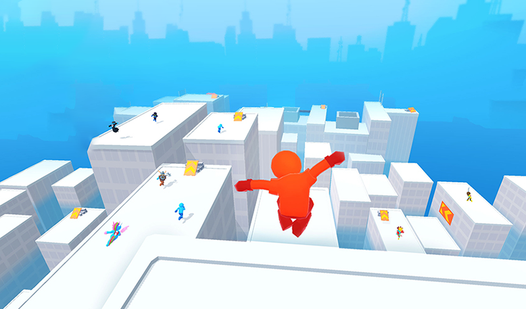

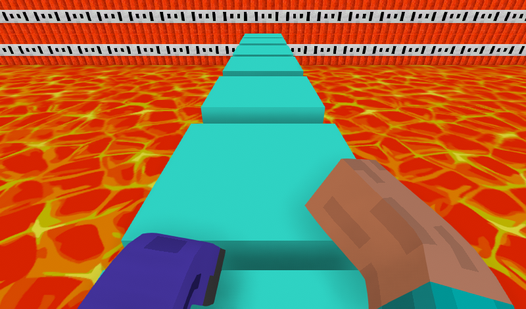
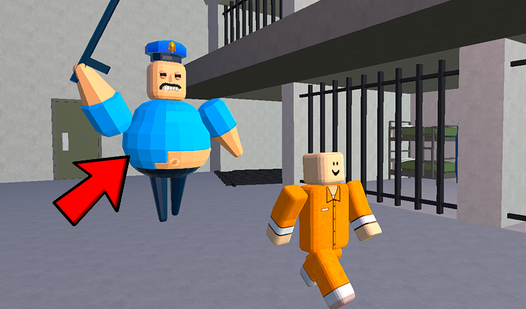
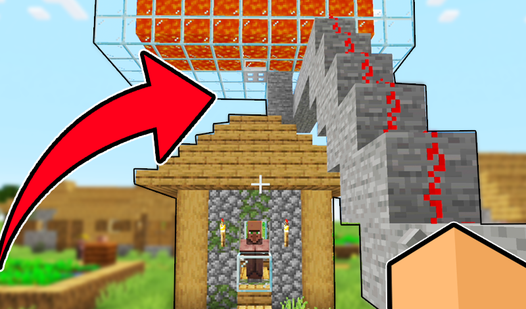

3D games are titles rendered in three-dimensional space - polygons, perspective, and camera-driven viewpoints - rather than the 2D sprite-and-tile rendering of classic browser games.
The selection includes first-person shooters, driving, third-person adventures and voxel sandboxes. Camera position changes the experience: you may see through a character’s eyes, follow them from behind or look down on the whole scene.
A 3D game loads and renders assets such as meshes, textures and shaders. Their complexity affects loading time and graphics performance, alongside the game code, browser and device. A fixed camera or block-like art style alone does not establish how demanding a game will be.
Sub-formats the hub covers:
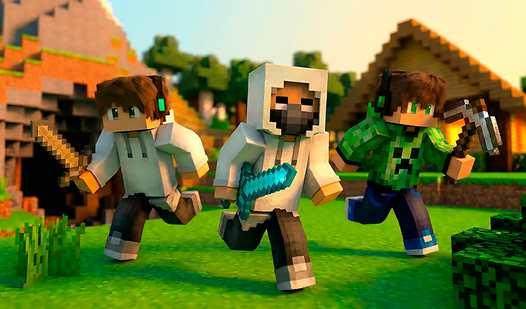
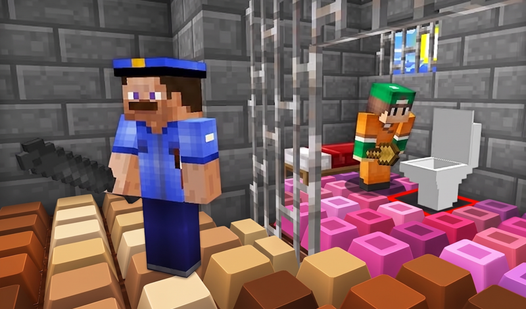
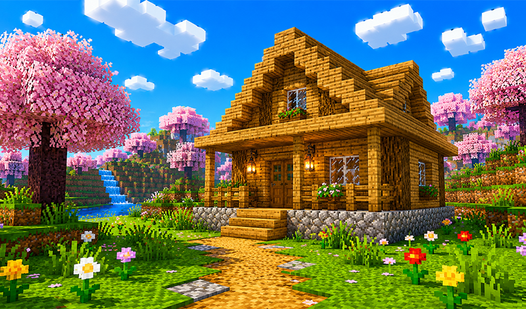
- First-person 3D - shooters, parkour, exploration; the mainstream of WebGL catalogs - Third-person action and adventure - fully explorable worlds with a camera-following character - 3D driving - see the racing hub for full coverage; many titles overlap both hubs - Voxel and block worlds - 3D-rendered but using cubic geometry rather than smooth polygons - Isometric and fixed-angle - 3D rendering with a locked camera; technically 3D but reading closer to 2D in feel
Session length varies with sub-format. Arcade 3D matches run three to five minutes; open-world 3D titles pull players into 20–40 minute sessions once a progression arc begins. If a game stutters, check for graphics settings or try another title suited to your device.
We don't have a dedicated editorial roundup for 3D specifically yet - a coverage gap we plan to close. In the meantime, Best Free Browser Games in 2026 — No Download Needed includes 3D examples in its broader sweep. If your interest sits narrowly in first-person shooting or 3D driving, the sibling shooter-games and racing-games hubs are more focused entry points than this broader catalog.
Slow performance can come from graphics load, memory use, browser support or the device itself. Check the selected game’s requirements and lower graphics settings if it offers them. Camera angle and device age alone do not predict a specific frame rate.
WebGL is a browser API for hardware-accelerated graphics. Unity WebGL refers to Unity’s browser build target, which packages a Unity game for browser execution. Other games use libraries such as Three.js or their own rendering code. Download size and performance depend on the particular build and assets.
Connection speed affects how quickly game files load. A game may request more assets or use online saves and services after startup, including in single-player modes. Multiplayer also depends on connection latency and stability; download speed alone does not guarantee responsive play.
Only when a game explicitly supports browser VR and a compatible headset. Look for VR or WebXR instructions in the selected game and check the supported devices before starting.
Use an up-to-date browser supported by the game. If rendering fails or performance is poor, consult its instructions and try another supported browser. Results vary by device and game.