






Key Features
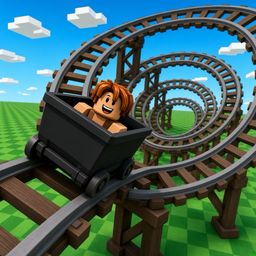
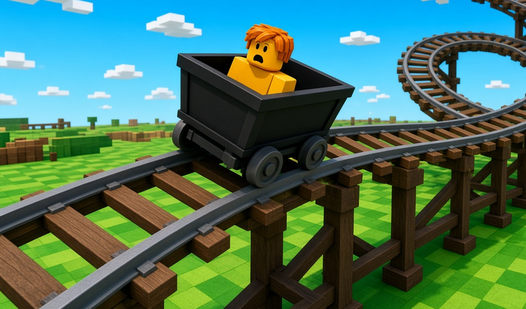
- Violent physics: The cars react to every bump in the track. One misaligned rail sends your passengers flying off the map.
- Track variety: Unlock rare components to extend your ride. Longer tracks mean higher speeds and more potential for a total disaster.
- Casual destruction: If the ride fails, watch the wreckage tumble. It is honestly the best part of the whole experience.
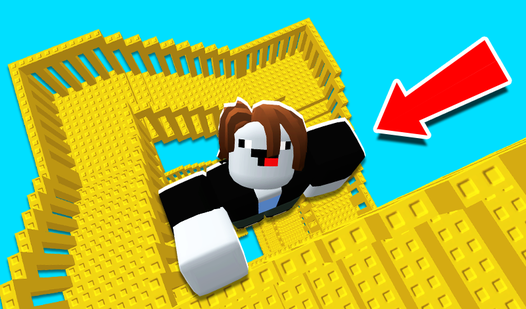
- Creative loops: Chain together spirals and massive drops. Just watch the G-force.
How to Play
Mastering the Build a Rollercoaster: Simulator interface
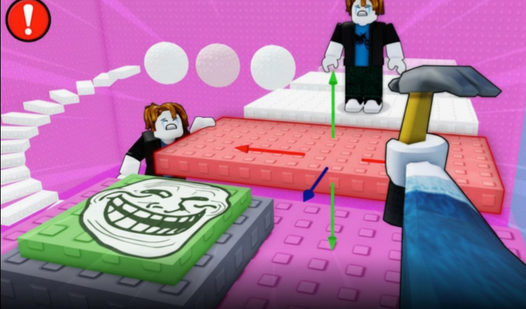
Use your mouse to drag and connect track segments. You need to align the joints perfectly, or the car will derail the second it hits the incline. Build a Rollercoaster: Simulator controls rely on simple clicks, but don't get cocky. Aligning the curves is tricky until you get the hang of it.
How to play Build a Rollercoaster: Simulator properly
After you lay your track, hit the ride button to test the physics. If you see your car fly off into the void, you probably made a turn too sharp. That is a common mistake for beginners. Learning how to play Build a Rollercoaster: Simulator requires patience, especially when you reach the complex loops.
Who Should Play Build a Rollercoaster: Simulator?
Frequently Asked Questions about Build a Rollercoaster: Simulator
How do you add loops in Build a Rollercoaster: Simulator?
You need to purchase the special loop segments using the currency earned from your successful rides. Select them from the construction menu and snap them into your existing track path.
Can I play Build a Rollercoaster: Simulator on my phone?
Yes, it works on mobile browsers. The touch interface is decent, though dragging those tiny track pieces can feel a bit cramped on smaller screens.
Is Build a Rollercoaster: Simulator free to play?
Yes, Build a Rollercoaster: Simulator is completely free to play on Nub Games. Optional in-app purchases are available. No download or registration required.
Can I play Build a Rollercoaster: Simulator on mobile?
Build a Rollercoaster: Simulator works on both desktop and mobile devices. Best played in none mode.
What age rating is Build a Rollercoaster: Simulator?
The catalog age rating for Build a Rollercoaster: Simulator is 0+.