











Key Features
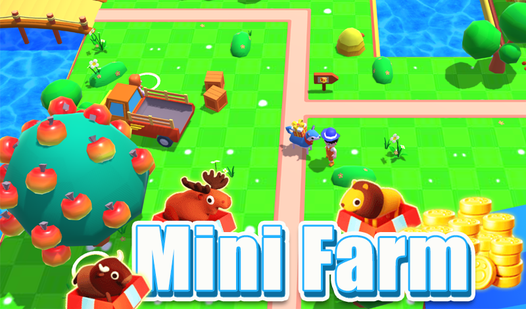
- Pixelated Livestock: These animals look blocky and cute, but keeping them fed is a constant, high-priority chore.
- Rapid Harvesting: Buying specialized tools lets you ignore the slow manual clicking. You will clear entire fields in seconds.
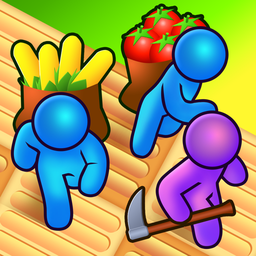
- Worker Management: Hiring help turns your solo operation into a factory. It feels like a massive relief once the automation kicks in.
- Stiff Movement: The character turning radius is a bit clunky. You might bump into your own fences while trying to sprint.
How to Play
Mini Farm: Mastering the basics
Use WASD or your touch screen to move around the dirt. You need to approach specific patches to sow seeds and then grab a watering can to keep them alive. Learning these Mini Farm controls takes only a second, but don't get lazy with your timing.
How to play Mini Farm efficiently
Don't plant everything at once. If you over-extend your crops, you will miss the harvest window for your fruit trees. A common mistake is ignoring the hired workers early on, which slows down your gold collection. Follow this guide on how to play Mini Farm to maximize your profit margins before the seasons change.
Who Should Play Mini Farm?
Frequently Asked Questions about Mini Farm
Can I play Mini Farm on my phone?
Yes, it works on mobile browsers just as well as on desktop. The touch controls are responsive enough that you won't miss having a mouse.
How do you hire workers in Mini Farm?
Once you have saved up enough gold coins, look for the hiring menu near the farmhouse. They do the heavy lifting so you can focus on building your paradise.
Is Mini Farm free to play?
Yes, Mini Farm is completely free to play on Nub Games. There are no in-app purchases. No download or registration required.
Can I play Mini Farm on mobile?
Mini Farm works on both desktop and mobile devices. Best played in portrait mode.
What age rating is Mini Farm?
The catalog age rating for Mini Farm is 6+.