

Finding games…


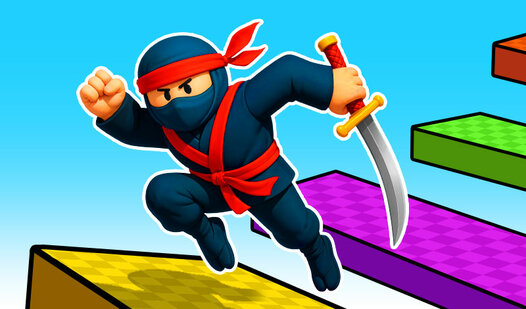
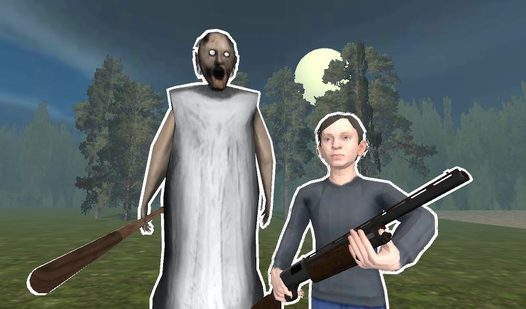
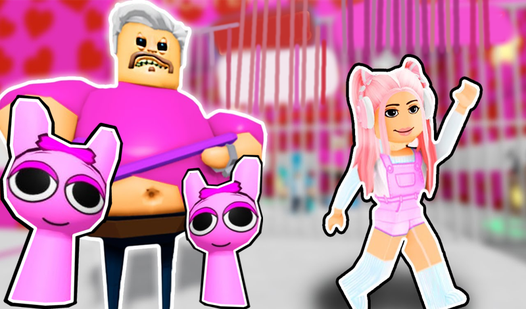
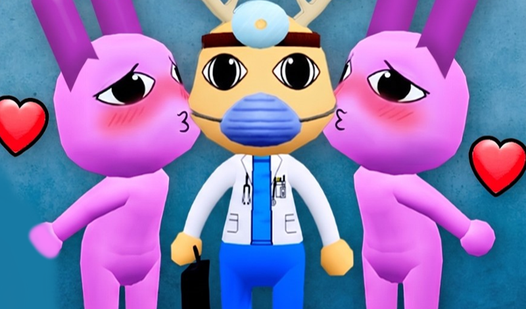
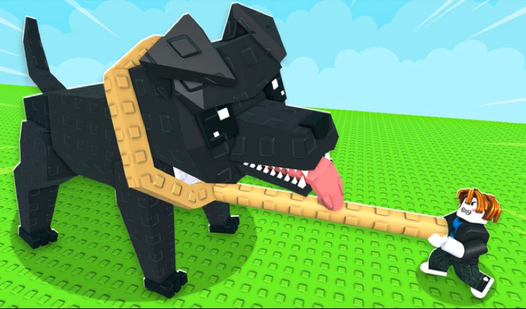
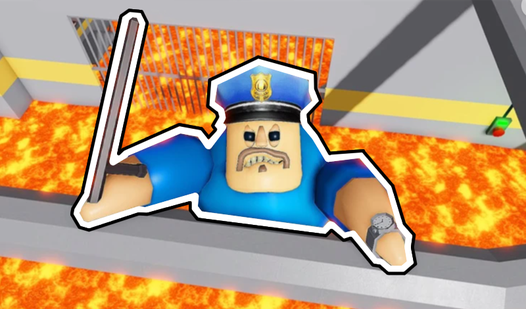
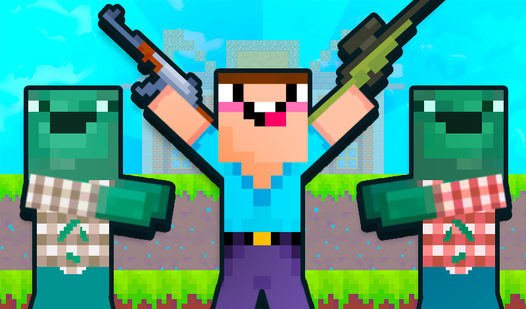
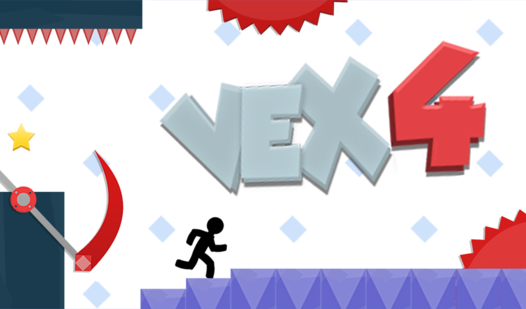
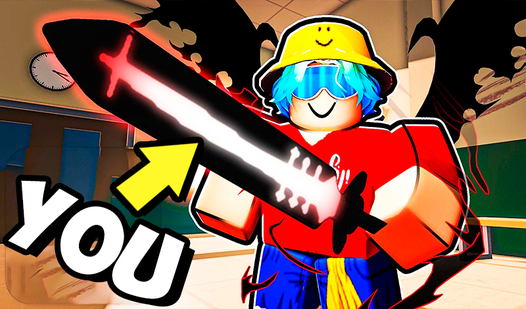
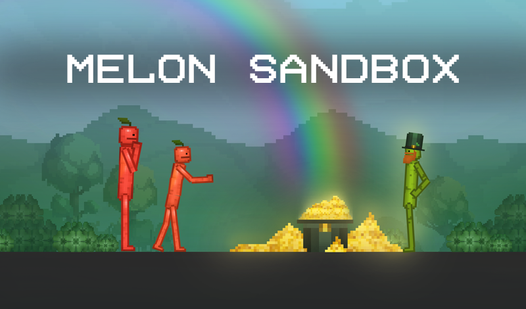



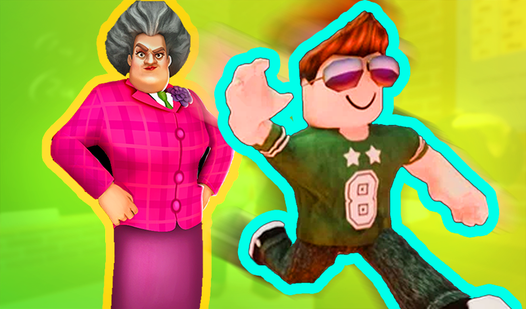
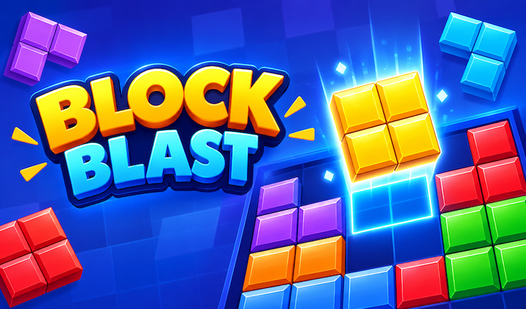
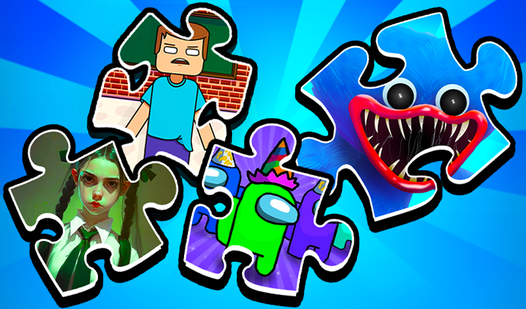
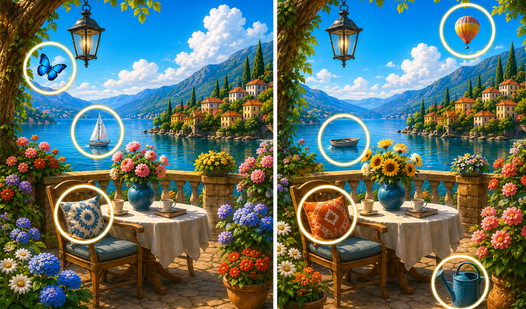
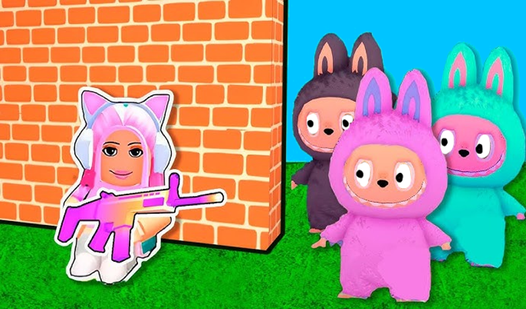
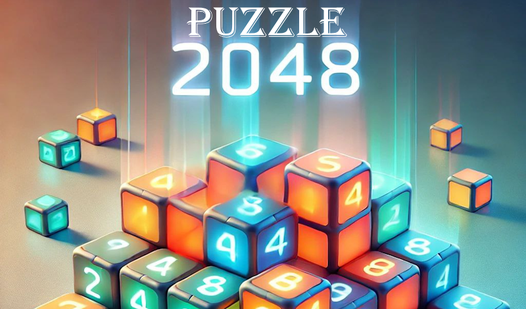
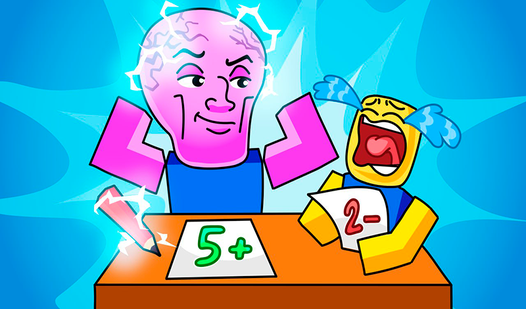
Looking for a browser game for a short break? This page brings together games tagged "unblocked" or "school" in the nub.games catalog. Open a card to see its description, controls and device information, then choose a game that fits the time you have.
"Unblocked" is a common search term for browser games. It is not a special access mode, and a catalog tag does not guarantee that a game will load on a particular school or office network. Each organization chooses which sites and services it allows. Games can also load assets or advertising from external services, so the portal opening successfully does not guarantee that every game will start.
For a quick session, start with a puzzle or arcade game whose controls you already know. Platformers may need a keyboard, while some games support touch controls. Check the individual game page before choosing on a phone or tablet. On a Chromebook, performance depends on the game and the device; this collection has not been tested on every Chromebook model or managed network.
You can also browse Games for School Chromebooks for more options to inspect, or read Free Online Games Without Registration — Play Instantly to find games with a simple start. For Roblox-style browser games, see Roblox Games Unblocked — Play Free at School in 2026. Use the network according to its rules and bookmark games you enjoy for another visit.
It is a catalog tag used to group browser games. It does not certify that a game is allowed or tested on your school or office network. Access depends on the network's settings and the services the game needs.
The game may need a separate server, an external asset or a browser feature that is unavailable. A network filter, a temporary server problem or the device can affect loading. Check the game's requirements and use a network where playing is permitted.
Your school's rules determine that. Being able to open a game does not mean it is permitted during lessons or breaks. The unblocked tag is not permission from a school.
Some browser games may work, but compatibility varies by game, Chromebook model and browser settings. Check the controls and device information on the game page. We do not claim to have tested every title on Chromebook.
Yes, this catalog is not limited to school networks. Open a game from your usual browser and check its device requirements. Availability can still depend on your connection and the game provider.