



Key Features
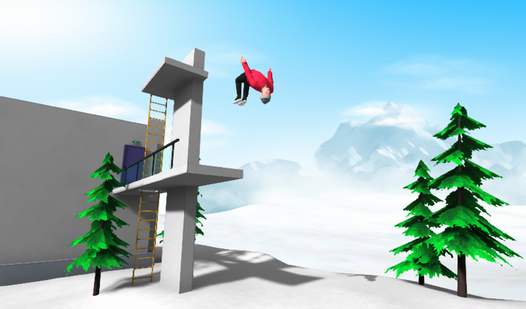
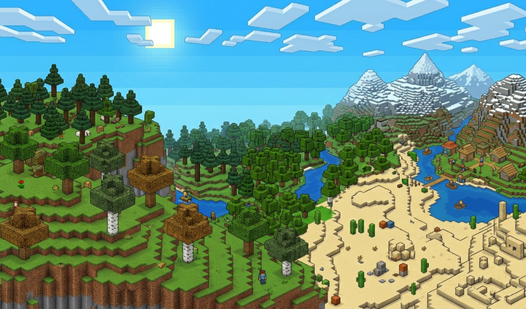
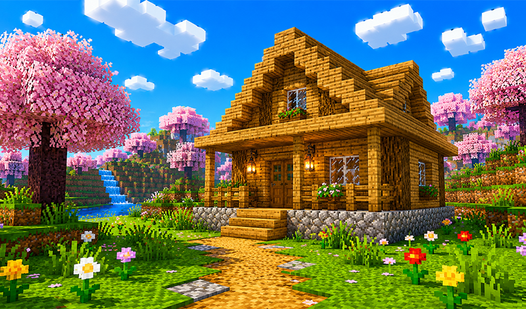
- Procedural biomes: Every world generates fresh terrain. You might land in a snowy mountain or a flat desert, keeping things unpredictable each time.
- Inventory management: Press E to access your block stash. It keeps your workspace clean so you can focus on your current build.
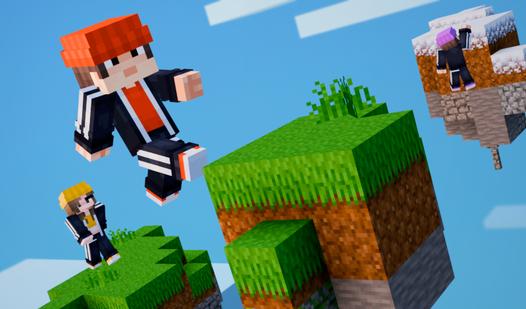
- Vertical flight: Toggle flight to escape tight pits. It turns a standard 3d layout into a vertical playground for your massive projects.
- Cloud syncing: Save three worlds to your account. Your progress follows you across devices so you never lose your progress.
How to Play
Cubeworld: Mastering the basics
Use WASD to move and your mouse to look around. Left click to punch through stone, right click to drop a block. Getting the rhythm of Cubeworld controls takes a minute, but once it clicks, you will be building towers in seconds. Just watch your step near edges.
How to play Cubeworld movement
Double tap space to enter flight mode. This is how to play Cubeworld if you want to scout the terrain or build high above the clouds. Most players waste time jumping when they could be flying. Just remember that the flight sensitivity can feel a bit floaty when you first start.
Who Should Play Cubeworld?
Frequently Asked Questions about Cubeworld
Can I play Cubeworld on my phone?
Yes, you can. The mobile interface uses a simple virtual joystick on the left and tap buttons on the right to handle all your block placing needs.
How do you switch blocks in Cubeworld?
Use the number keys 1 through 9 on your keyboard to swap slots on your hotbar. This allows you to cycle through your materials without pausing your momentum.
Is Cubeworld free to play?
Yes, Cubeworld is completely free to play on Nub Games. Optional in-app purchases are available. No download or registration required.
Can I play Cubeworld on mobile?
Cubeworld works on both desktop and mobile devices. Best played in landscape mode.
What age rating is Cubeworld?
The catalog age rating for Cubeworld is 6+.