

Finding games…
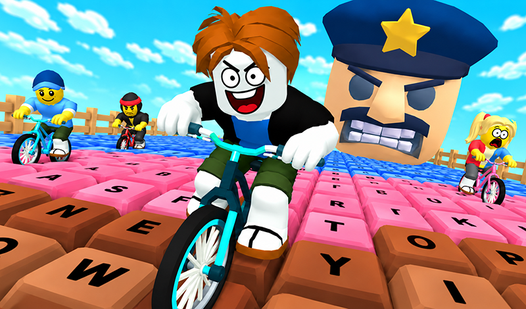

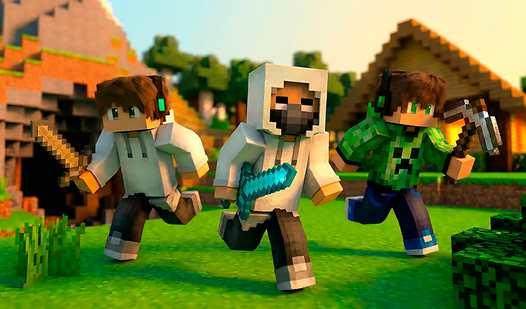



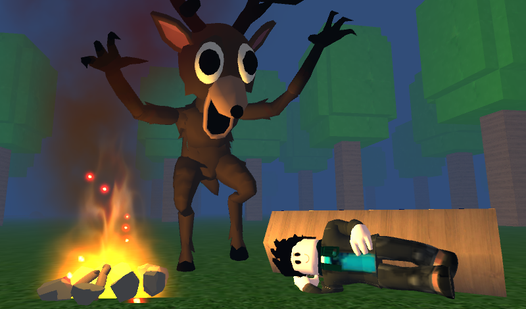


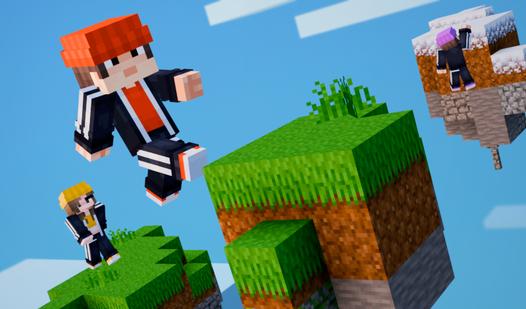












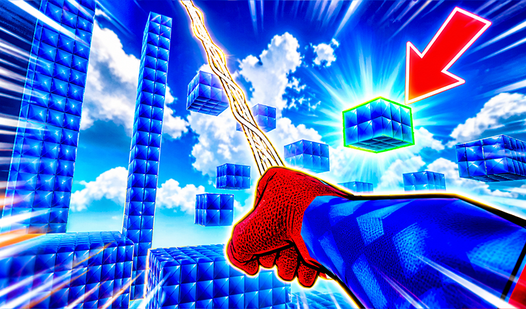

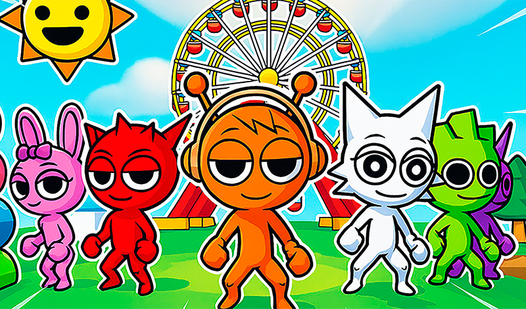
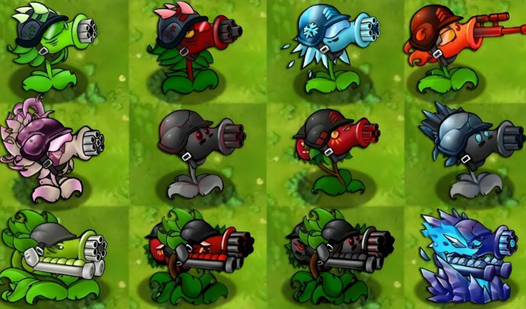




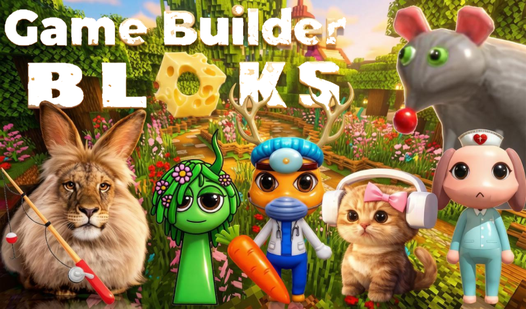







Browser games are titles designed to run entirely inside a web browser - no download, no install, no external runtime - using HTML5, WebGL, Canvas, or WebAssembly.
This hub offers a broad selection across the catalog: puzzle, action, racing, horror, shooter, idle and multiplayer games. Think of it as the front door: if you do not yet know which niche you want, start here and use the narrower hubs to explore a genre.
Browser gaming as a category reshaped twice in ten years. The first wave ran on Flash - a plugin that disappeared at the end of 2020 after browser vendors dropped support. The gap was closed not by a single successor but by a mesh of open web technologies: HTML5 Canvas for 2D, WebGL for hardware-accelerated 3D, Web Audio for positional sound, and WebAssembly for engine-grade performance. Unity WebGL, Construct, GameMaker, and hand-rolled Phaser builds together replaced the Flash catalog within about four years.
Sub-formats the wider catalog covers:
- HTML5 casual - short-form games built around accessible controls and focused mechanics - WebGL 3D - Unity or Three.js builds with shader-driven visuals; graphics and requirements depend on the game - Multiplayer lobbies - .io-style or matchmade sessions, sitting adjacent to the Best IO Games to Play Free in Your Browser (2026 Guide) shortlist - Idle and incremental - long-running loops compatible with tab-switching and interrupted sessions - Arcade and retro - short-session pickups, including reconstructions of Flash-era classics
The Mobile-friendly chip narrows the list to entries marked for mobile devices. Before playing, check the control instructions on the game page. Browser support, graphics load and input methods differ between games.
This hub is deliberately broad, so disambiguation matters more than usual. For the technical history of how HTML5 replaced Flash and why browser gaming is larger now than during the Flash peak, How HTML5 Changed Online Gaming Forever covers that in full. For the mobile-vs-desktop performance differences that decide which device to play on, Mobile vs Desktop: Which is Better for Browser Games? discusses the trade-offs. For a shorter starting list across every genre, Best Free Browser Games in 2026 — No Download Needed is the right entry point. Genre-specific catalogs sit one layer down in the sibling hubs: puzzle, racing, shooter, horror, and the rest each carry their own editorial context.
A browser game is any title that runs entirely inside a web browser - no external launcher, no installed runtime, no native application. Modern browser games use HTML5 Canvas, WebGL, or WebAssembly as their rendering and compute layer. The key constraint is that the game loads over HTTP, executes in the browser's sandbox, and may use browser storage for settings or progress. Games requiring Steam, Epic, or a separate Roblox-style launcher are not browser games.
Yes - the transition to HTML5 and WebGL was largely complete by 2022. Flash ended official support at the close of 2020, but browser vendors had spent the prior five years pushing developers toward HTML5 Canvas and WebGL as replacements. Most Flash-era classics have been ported, reconstructed, or replaced by mechanically-equivalent HTML5 titles. The games in this hub are offered for browser play; check the selected title for its supported controls and devices.
Use an up-to-date browser supported by the selected game. If loading or rendering fails, check the game's instructions and try another compatible browser.
Use the Mobile-friendly chip to find entries marked for mobile devices. Check the game's controls before starting: keyboard and mouse input may not translate to a touch screen.
Browsing nub.games and opening game pages does not require a subscription. Individual games can show ads or offer purchases and additional paid features. Check the information inside the selected game before spending money.