

Finding games…
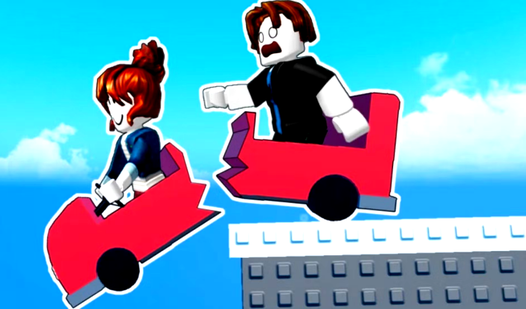
PC co-op in one car: WS for one person, left/right arrows for the other. Drive together.
PC co-op: WASD/Space and arrows/left mouse click. Player 2 needs the mouse to jump.
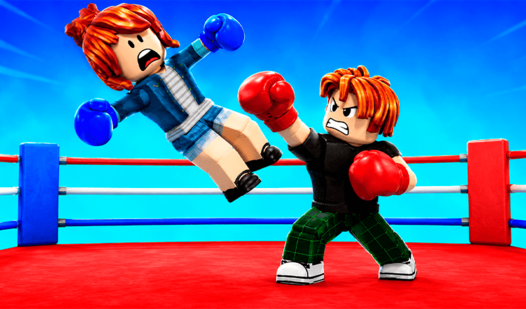
PC duel or co-op against a crowd: WASD and arrows, with separate action keys.
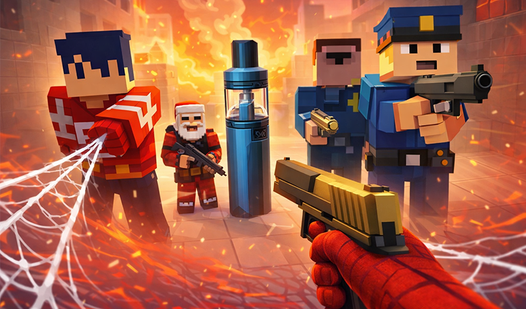
PC co-op: P1 WASD+mouse, P2 arrow movement. On phones, P2 is automatic, not a second human.
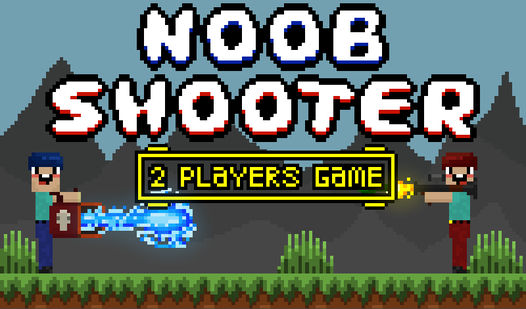
Simultaneous PC duel: A/D/W and arrows; auto-fire. Source touch mode: left and right joysticks.
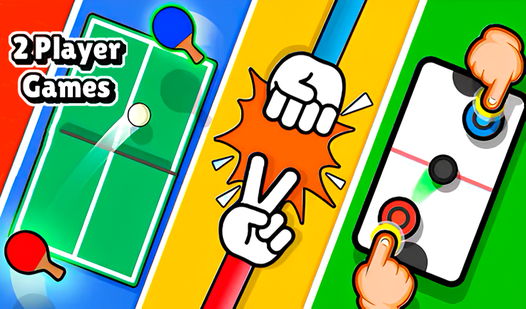
Same-device mini-games: choose one and assign controls. The source gives no fixed key map or turn order.
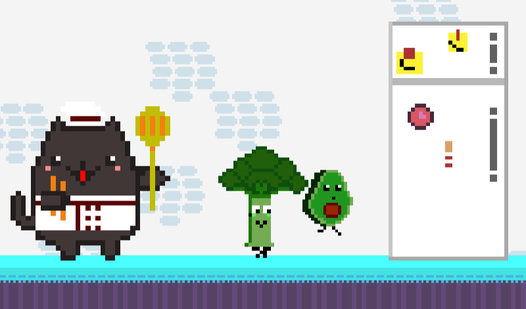
PC co-op: broccoli W+D, avocado arrows. The source gives no left-movement key for broccoli.
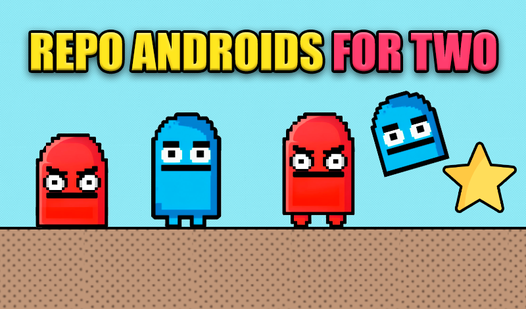
PC co-op: red WAD/S, blue arrows/down. S/down shrink the androids; reach the star together.

Simultaneous PC duel: WASD and arrows. R/K shoot, E/L pick up or throw weapons.
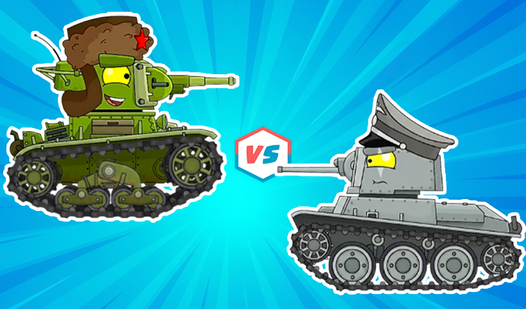
Simultaneous PC tank duel: WASD/arrows; Space/Enter fire, F/right Shift hold shields.
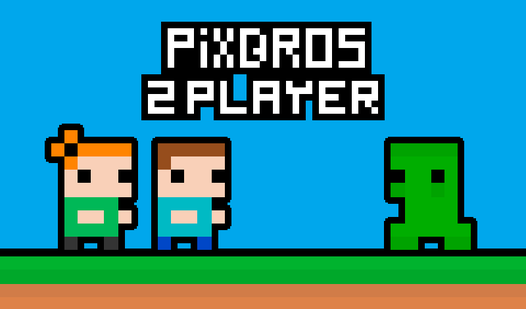
PC co-op: WASD and arrows, with double jumps. Collect the key and reach the portal together.
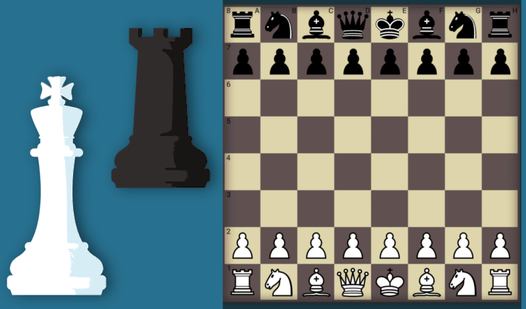
Hotseat chess: choose Game for two. Take turns with one mouse: click a piece, then its square.
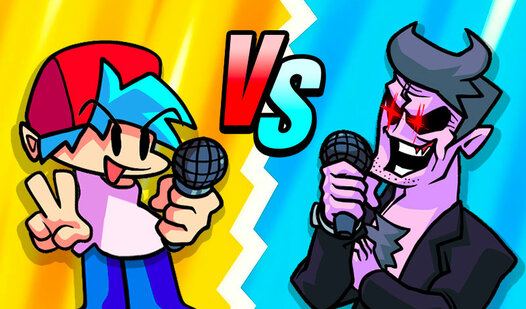
Simultaneous rhythm duel on PC: player 1 uses arrows, player 2 uses WASD. Choose 2 Player.

Simultaneous PC reaction contest: WASD/Space and arrows/Enter. Space/Enter jump.
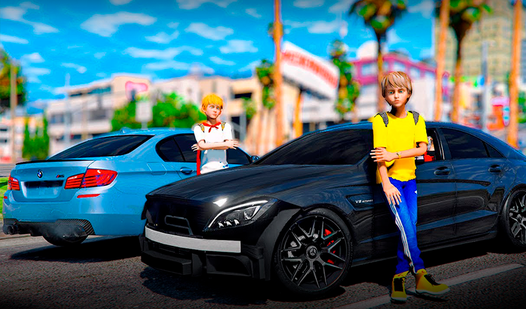
Simultaneous PC drift contest in two cars: WASD and arrows, separate handbrake and nitro keys.
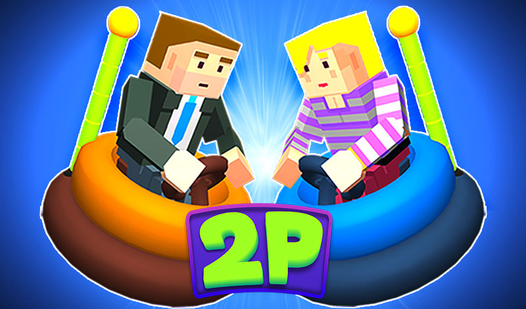
Simultaneous PC mini-duels: WASD/G and arrows/P. G/P jump or shoot; first to three points.
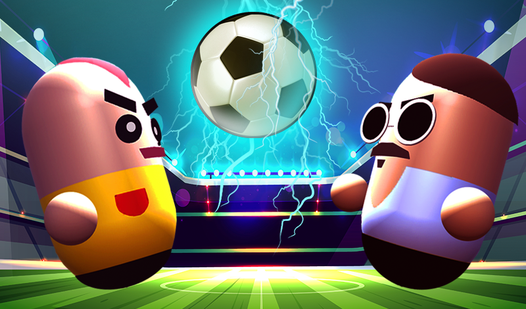
Simultaneous PC football: arrows vs W/D/A. The source lists P2 D left and A right.
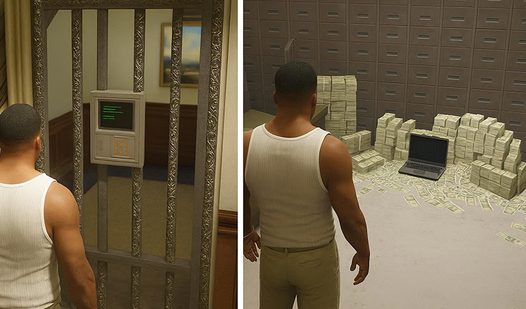
PC heist co-op: P1 WASD+mouse, P2 arrows. P2 shooting is not specified.
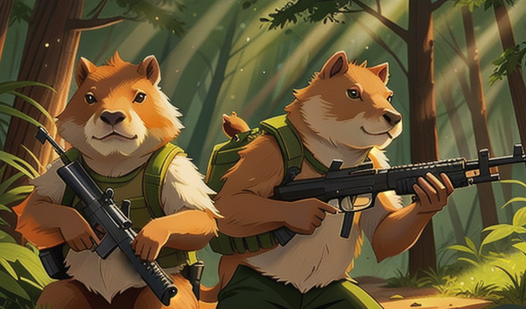
Simultaneous PC duel: A/D/W and arrows. R/K shoot, E/L pick up or throw weapons.

PC co-op: P1 WASD+mouse; P2 arrows, auto-fire and periodic movement autopilot. P1 dies: both lose.

PC co-op: red WASD, blue arrows. Move in turns per source, but reach the door at the same time.

PC heist co-op: P1 WASD+mouse, P2 arrows. P2 shooting is not specified.
PC rescue co-op: P1 WASD+mouse, P2 arrows. P2 shooting is not specified.

Simultaneous split-screen racing on one PC: WASD and arrows, one car per player.
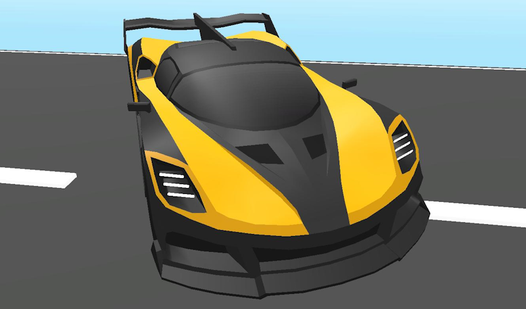
Simultaneous PC races, chase or king of the hill: WASD and arrows, separate jump/handbrake keys.
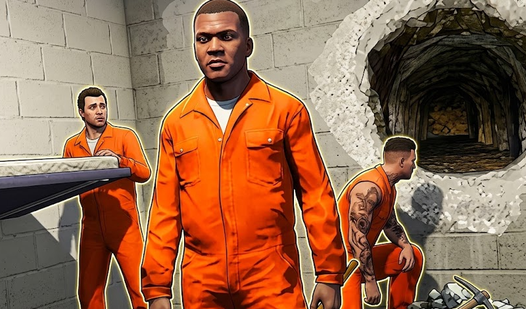
PC escape co-op: P1 WASD+mouse, P2 arrows. P2 shooting is not specified.
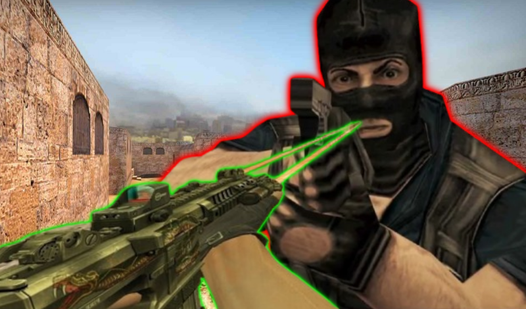
PC co-op, bombs/hostages: P1 WASD+mouse; assistant P2 arrows, auto-fire and periodic movement autopilot.
PC rescue co-op: P1 WASD+mouse, P2 arrows. P2 shooting is not specified.
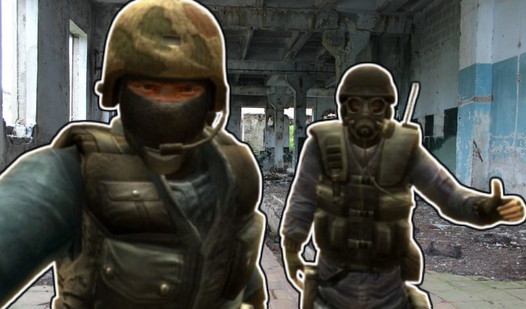
PC rescue co-op: P1 WASD+mouse; assistant P2 arrows, auto-fire and periodic movement autopilot.
PC co-op: P1 WASD+mouse; P2 arrows, auto-fire and periodic movement autopilot. Only player 1 earns points/crystals.

PC escape co-op: P1 WASD+mouse, P2 arrows. P2 shooting is not specified.
PC rescue co-op: P1 WASD+mouse, P2 arrows. P2 shooting is not specified.
Simultaneous PC duel: WASD and arrows, separate attack keys. Source lists ':' for P2's heavy kick.
Hotseat tanks with units unlocked in the campaign: A/D, W/S, Space. Touch: move/aim joysticks and fire.

Same-screen mini-games: WAD/arrows for races and rhythm; mouse for Gorodki, whose turn order is unspecified.
These games are for two people at one device. Notes summarize the publisher's original instructions and distinguish simultaneous play, hotseat and assistant roles. Obby Driving shares one car; Chess uses turns. Most notes describe computer controls: mobile support alone does not confirm two-person touch play. Joining from separate devices is a different mode that needs its own connection check.
Not always. In Obby Driving, both people control one car with WS and left/right arrows. Bank Robbery, Soldiers, SWAT and CS Special Forces give player 2 an assistant role with auto-fire and periodic movement autopilot. Read the role note before choosing a co-op shooter.
No. Noob Shooter's instructions specify left and right joysticks for two-player touch play. Block - Vape on the Web instead makes the phone teammate follow automatically. Most notes here describe PC controls; a mobile support label alone is not evidence of two human touch controls.