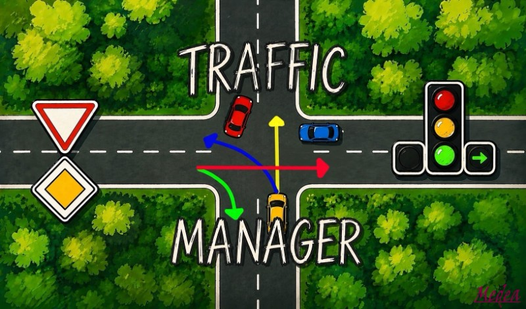
















Traffic Manager tasks you with increasing intersection capacity and eliminating city traffic jams by applying realistic driving rules to transport puzzles.
Key Features
- Lane Control: Change lane directions by connecting specific incoming and outgoing roads.
- Road Priorities: Place priority signs to determine Main and Yield roads.
- Custom Traffic Lights: Create step-by-step phases, set precise timers, and run the automation.
- Realistic AI: Vehicles strictly follow traffic regulations, yield properly, and react to your changes.
How to Play
Lane Control
Click the Lanes button, then click points on the roads to customize lane connections for vehicle paths.
Road Priorities
Click directly on road signs to toggle between Main Road and Yield priorities.
Traffic Light Configuration
Click Lights, select an intersection, create signals by clicking them, set the phase duration, and click Add. Click Run to start the cycle.
Managing Gridlock
If the roads become blocked, use the Reset Cars button to clear vehicles and adjust your engineering strategy.
Who Should Play Traffic Manager?
Players interested in solving transport puzzles and managing vehicle flow through intersection engineering.
Frequently Asked Questions about Traffic Manager
Do cars follow traffic signals while I am editing them?
No, vehicles ignore signals while you are in the process of editing phases.
Is Traffic Manager free to play?
Yes, Traffic Manager is free to play on Nub Games. No download or registration required.
Can I play Traffic Manager on mobile?
Traffic Manager works on both desktop and mobile devices.
What age rating is Traffic Manager?
The catalog age rating for Traffic Manager is 0+.