




Key Features
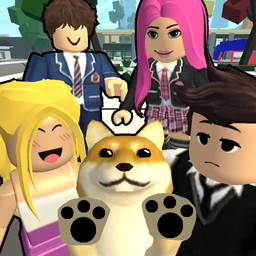
- Urban Sandbox Chaos: The city layout lets you cause massive pileups or just chill at your house. No one is telling you what to do.
- Career Choice Freedom: Switching from a cop to a lifeguard takes one menu click. You can abandon your post whenever the mood strikes.
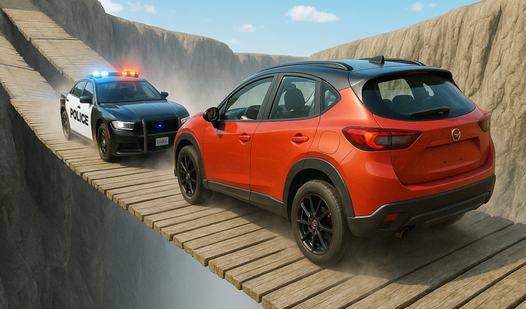
- Vehicle Customization: Grab a car and see how far you can drive it off a cliff. It is mostly for show.
- Social Interaction: Chat with whoever is nearby to set up a scene. It is basically a giant digital improv stage for roblox fans.
How to Play
Mastering Brookhaven RP movement
Use WASD to navigate the streets and hit E to interact with buttons or objects. You need to get comfortable with the Brookhaven RP controls early on, because walking across the map is a total drag. If you find the movement feels a bit floaty at first, just keep at it.
How to play Brookhaven RP like a pro
The smartest way to learn how to play Brookhaven RP is to pick a job, like a doctor, and head to the hospital. You can grab items to start your shift or just explore the building. Most people mess up by ignoring the interactions, so make sure you press G to drop unwanted stuff.
Who Should Play Brookhaven RP?
Frequently Asked Questions about Brookhaven RP
Can I play Brookhaven RP on my phone?
Yes, you can jump into the city on your mobile device just as easily as on a desktop. The interface scales down well enough for smaller screens.
How do you interact with items in Brookhaven RP?
You just walk up to the object and press the E key on your keyboard. If you need to let go of whatever you are holding, just tap G.
Is Brookhaven RP free to play?
Yes, Brookhaven RP is completely free to play on Nub Games. There are no in-app purchases. No download or registration required.
Can I play Brookhaven RP on mobile?
Brookhaven RP works on both desktop and mobile devices. Best played in landscape mode.
What age rating is Brookhaven RP?
The catalog age rating for Brookhaven RP is 0+.