



Key Features
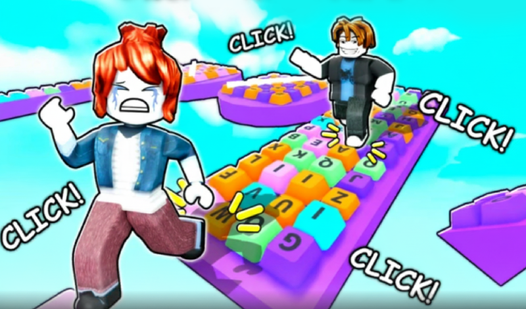
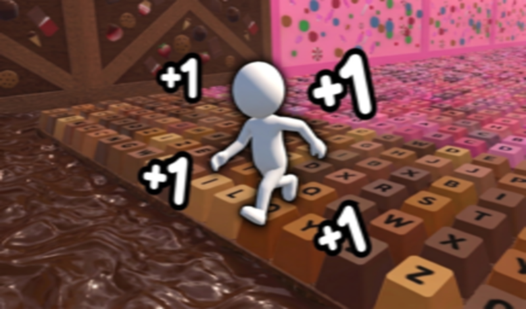
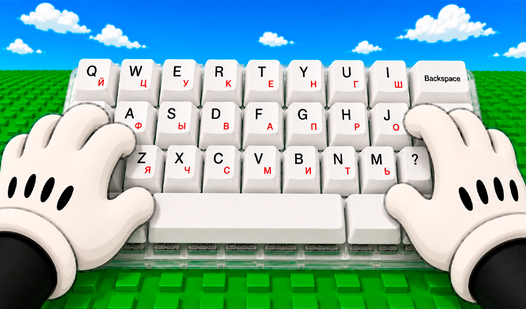
- Tactile sound design: Every jump triggers a crisp mechanical switch click. It creates a rhythm that helps you time your next leap across the board.
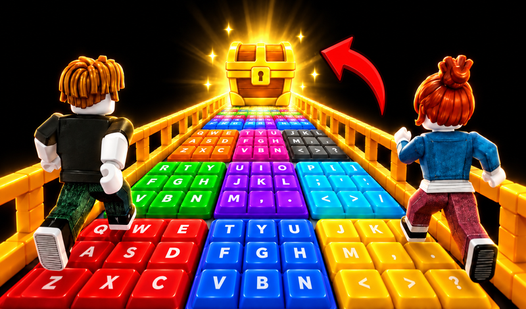
- Unpredictable key layouts: The terrain shifts from flat letter keys to jagged function rows. You have to adapt your jump arc to the specific bumpiness.
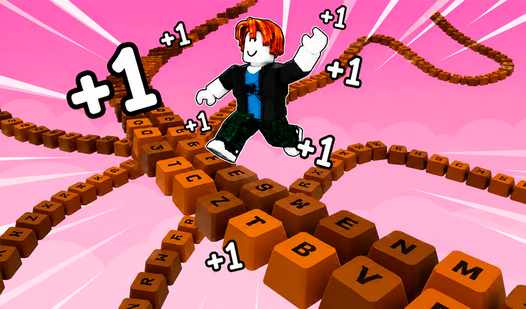
- Vertical scale: The tower never ends. You just keep going higher until you miss a landing.
- Surface friction: Some keys are slicker than others. You will slide off the glossy ones if you land with too much momentum.
How to Play
ASMR Keyboard Tower: Mastering your movement
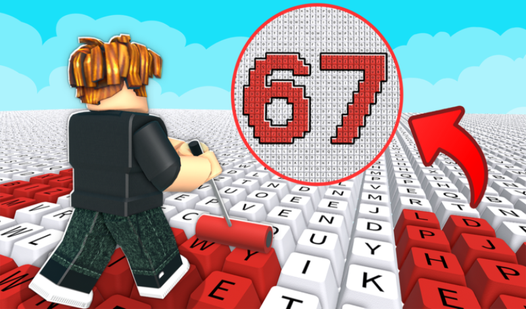
Use WASD or your touch screen to navigate the layout. The ASMR Keyboard Tower controls feel a bit floaty when you first start, so don't be surprised if you slide right off the Ctrl key. You need to learn how to play ASMR Keyboard Tower by treating every key as a platform.
ASMR Keyboard Tower: Avoiding the long drop
Watch your footing on the curved edges of the keys. Most players mess up by sprinting across the home row before checking the gap distance. Stop trying to speedrun the first floor. If you rush, you will definitely miss the jump to the Escape key and fall all the way down.
Who Should Play ASMR Squishy & Keyboard Tower?
Frequently Asked Questions about ASMR Squishy & Keyboard Tower
Can I play ASMR Keyboard Tower on my phone?
Yes, it works perfectly on mobile devices. You can use your touchscreen to tap and navigate through the keys just as easily as you would with a keyboard.
How do you jump higher in ASMR Keyboard Tower?
You need to hold the jump button longer to gain height. Timing your release is vital if you want to clear the taller stacks of keys in the upper sections.
Is ASMR Squishy & Keyboard Tower free to play?
Yes, ASMR Squishy & Keyboard Tower is free to play on Nub Games. Optional in-app purchases are available. No download or registration required.
What age rating is ASMR Squishy & Keyboard Tower?
The catalog age rating for ASMR Squishy & Keyboard Tower is 0+.