




Key Features
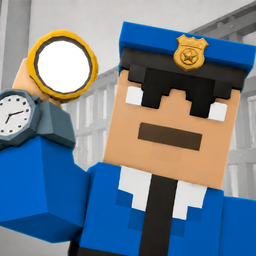
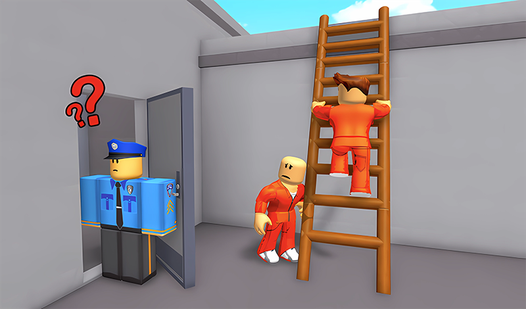
- Prison Break Story: Every floor feels like a different part of your escape plan. Vents, sewers, and closing walls create distinct challenges that keep you guessing.
- Mobile Optimized: Touch controls that actually work for precision platforming. No awkward virtual buttons ruining your flow.
- Progressive Difficulty: Starts friendly, gets mean fast. Later levels will make you question your life choices.
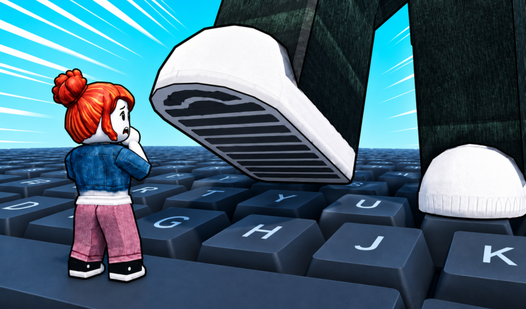
- Roblox-Style Physics: Familiar movement feel for anyone who's done obstacle courses before. Same satisfying jump mechanics, different setting.
- Quick Sessions: Perfect for short breaks or long grinding sessions. Each attempt teaches you something new about the level layout.
How to Play
Obby: Tower of Hell 2: Master the Basic Movement
WASD moves you around, Space jumps, and Shift makes you run faster on desktop. Mobile users get a joystick and screen buttons. Start slow - these platforms love to punish overconfident runners. Learning how to play Obby: Tower of Hell 2 means finding that sweet spot between speed and control.
Time Your Jumps in Obby: Tower of Hell 2
The hitboxes are tighter than they look. Wait for moving platforms to reach their closest point before jumping. Mouse or finger controls camera rotation - use it to line up those tricky landings. The Obby: Tower of Hell 2 controls take some getting used to, but muscle memory kicks in fast.
Navigate Obby: Tower of Hell 2's Prison Layout
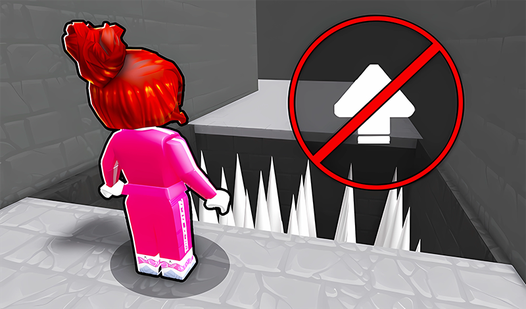
Each floor has a different escape route. Ventilation shafts require precise timing, while sewer sections test your patience with slower, methodical movement. The prison theme isn't just decoration - walls actually close in on some levels, adding real pressure to your platforming.
Who Should Play Obby: Tower of Hell 2?
Frequently Asked Questions about Obby: Tower of Hell 2
How do you escape the ventilation sections in Obby: Tower of Hell 2?
Wait for the fan blades to stop completely before jumping through. Rushing these sections is how most runs die - patience beats speed every time.
Can I play Obby: Tower of Hell 2 on my phone?
Yes, it works great on mobile with touch controls designed specifically for obstacle courses. The joystick placement feels natural and responsive.
What games are similar to Obby: Tower of Hell 2?
Try Obby but You're on a Bike for vehicle-based challenges or Obby: Escape from Barry Prison for more prison-themed obstacles.
Is Obby: Tower of Hell 2 free to play?
Yes, Obby: Tower of Hell 2 is completely free to play on Nub Games. There are no in-app purchases. No download or registration required.
Can I play Obby: Tower of Hell 2 on mobile?
Obby: Tower of Hell 2 works on both desktop and mobile devices. Best played in landscape mode.
What age rating is Obby: Tower of Hell 2?
The catalog age rating for Obby: Tower of Hell 2 is 6+.