




Key Features
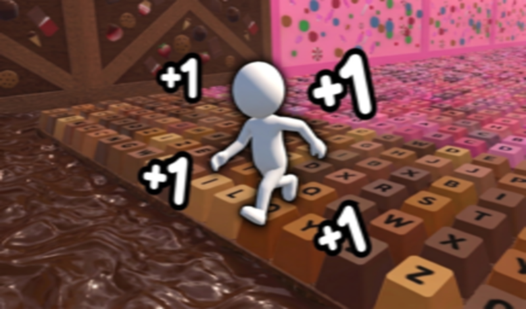
- Scaling Power: Every upgrade boosts your passive income. Your keyboard eventually transforms into a golden fountain of profit.
- Fire Streak: This mode tests your reaction time. You must hit the right keys before they vanish into thin air.
- Super Game: Precision is everything here. One single slip-up resets your entire progress, making it a high-stakes nightmare.
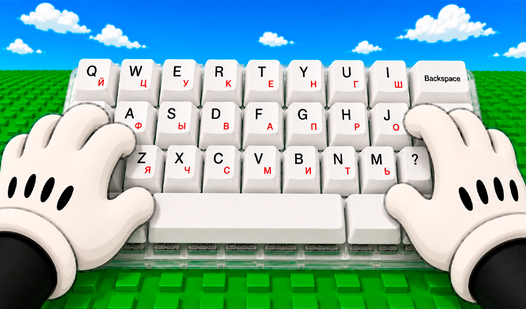
- Visual Growth: Keys change their look as you dump cash into them. It feels good to see your clunky board evolve.
How to Play
Upgrade Keyboard: The Basics
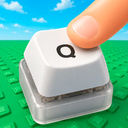
Start by hammering that Q key until your fingers ache. Every click adds cash to your bank, which you spend on new keys and upgrades. You can use your mouse or tap the screen for Upgrade Keyboard controls. Just watch your rhythm—clicking too fast without a plan is a common mistake that wastes your potential.
Mastering how to play Upgrade Keyboard
Once you unlock five keys, the real madness begins. Fire Streak and Super Game modes force you to keep your eyes peeled for highlighted targets. You need to nail these patterns to climb the leaderboard. It gets frantic, and honestly, the hit detection on those tiny keys can feel a bit cramped on mobile.
Who Should Play Upgrade Keyboard?
Frequently Asked Questions about Upgrade Keyboard
Can I play Upgrade Keyboard on my phone?
Yes, it works perfectly on mobile browsers. You just tap the keys instead of clicking, which makes the Fire Streak mode feel even more intense.
How do you get more keys in Upgrade Keyboard?
You spend your accumulated coins to unlock the remaining keys on the board. Keep clicking that Q until you have enough balance to expand your setup.
Is Upgrade Keyboard free to play?
Yes, Upgrade Keyboard is free to play on Nub Games. No download or registration required.
What age rating is Upgrade Keyboard?
The catalog age rating for Upgrade Keyboard is 0+.