








Key Features
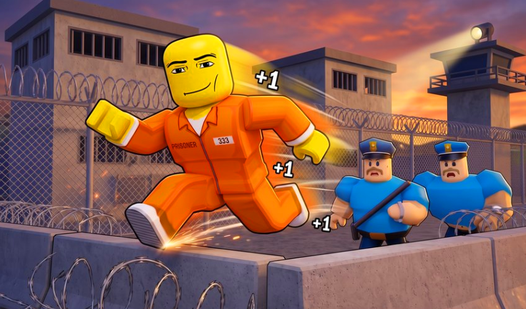
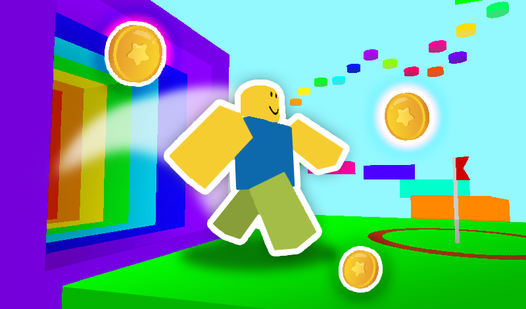
- Movement acceleration: Use the shift key to gain speed on your PC. This allows you to clear wider gaps that are impossible to jump from a standstill.
- Camera control: Move your mouse to adjust your view. This is necessary to align your jumps correctly.
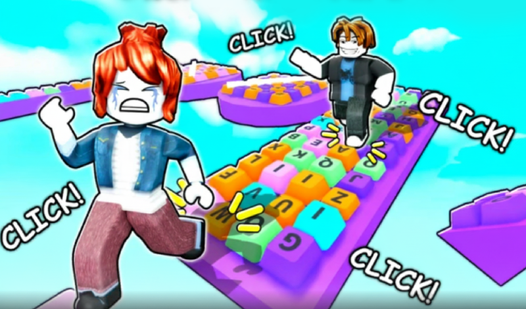
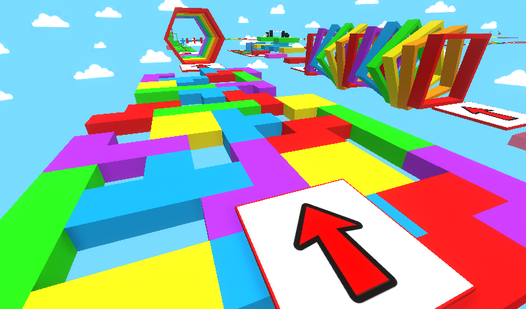
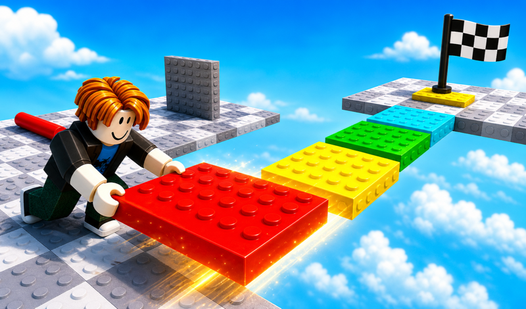
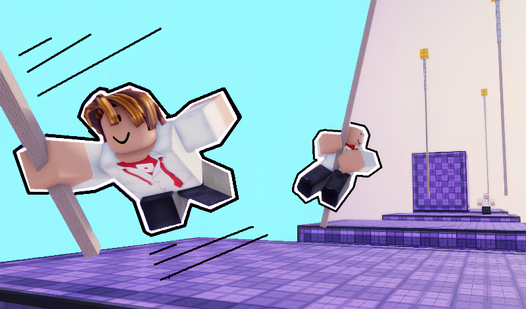
- Obstacle variety: Jump over various platforms and hazards.
How to Play
Obby: Parkour Master: Using keyboard controls
To master movement on a PC, use the WASD keys to walk and the space bar to jump. Hold the shift key if you need to accelerate toward a tricky ledge. Learning how to play Obby: Parkour Master starts with understanding these basic Obby: Parkour Master controls before you attempt the harder gaps.
Mobile play in Obby: Parkour Master
If you are playing on a phone, use the on-screen touch buttons to guide your character. These buttons handle both your movement and your jump timing. Practice your rhythm on the early platforms to avoid falling, as the touch interface requires a steady hand for the more complex courses.
Who Should Play Obby: Parkour Master?
Frequently Asked Questions about Obby: Parkour Master
What are the controls for Obby: Parkour Master?
On a PC, you use WASD to move, the space bar to jump, and the shift key to accelerate. Phone users rely on touch buttons to move and jump.
Can I play Obby: Parkour Master on my phone?
Yes, the game is supported on mobile devices. You can use the touch buttons on your screen to control your character throughout the challenges.
Is Obby: Parkour Master free to play?
Yes, Obby: Parkour Master is free to play on Nub Games. No download or registration required.
What age rating is Obby: Parkour Master?
The catalog age rating for Obby: Parkour Master is 0+.