


Key Features
- Zero padding: The game throws you right onto the course. No menus to click through.
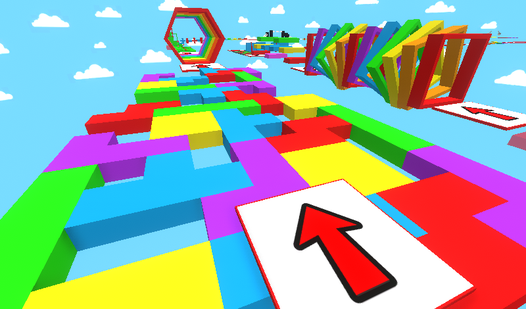
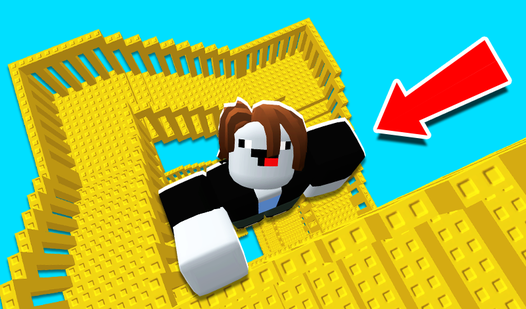
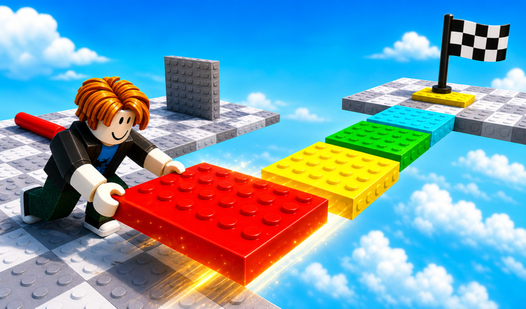
- Verticality focus: You are always climbing higher. The drop-offs look huge.
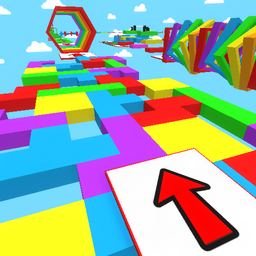
- Minimalist aesthetic: Bright colors make the hazards stand out. It helps you time your leaps.
- Pure platforming: No fluff here. Just you against the level architecture.
How to Play
Obby: 100 stages: Mastering the basics
Use WASD or your screen taps to navigate through the obstacles. The Obby: 100 stages controls are simple enough, but you need to commit to your momentum. A common mistake is holding the jump button too long during tight turns. You will fall off the map constantly if you do that.
Why does Obby: 100 stages get harder?
Once you learn how to play Obby: 100 stages, the level design starts messing with your depth perception. You have to watch out for moving platforms that seem to drift just out of reach. Don't rush the later stages. One bad move sends you back to the start of the section.
Who Should Play Obby: 100 stages?
Frequently Asked Questions about Obby: 100 stages
Can I play Obby: 100 stages on my phone?
Yes, it works fine on mobile browsers. Just use the touch joystick and the jump button to handle your movement.
How many levels does Obby: 100 stages have?
The name says it all. You have to clear exactly 100 stages to reach the end, assuming you do not rage-quit first.
Is Obby: 100 stages free to play?
Yes, Obby: 100 stages is completely free to play on Nub Games. There are no in-app purchases. No download or registration required.
Can I play Obby: 100 stages on mobile?
Obby: 100 stages works on both desktop and mobile devices. Best played in landscape mode.
What age rating is Obby: 100 stages?
The catalog age rating for Obby: 100 stages is 0+.