










Key Features
- Manual braking: The physics engine is unforgiving. You must gauge your distance precisely, or you will slide straight past the platform.
- Emergency mechanics: Pull the stop crane when obstacles block your path. It halts the train instantly to prevent a total wreck.
- Dynamic cleaning: Visibility drops when your windshield gets grimy. Use the wiper function to keep your view of the tracks clear.
- Train selection: Choose between different electric models. Every train has a distinct weight and acceleration profile that changes your braking distance.
How to Play
Subway: Mastering the controls
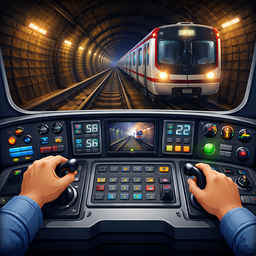
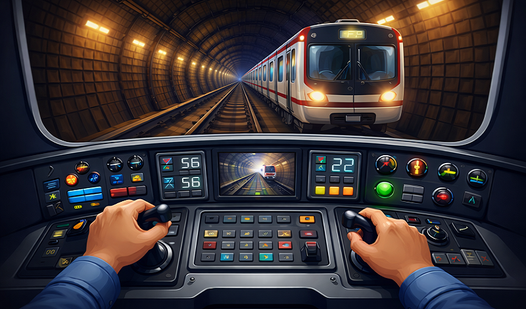
Your Subway controls rely on the speed lever to manage your momentum. Slide it up to accelerate, but watch the distance indicator closely. If you don’t start braking well before the station, you will definitely blow past the boarding zone. It takes a few runs to get the feel of the physics.
How to play Subway effectively
Once you stop, hit the buttons to open doors and let people out. Don’t forget to flip your headlights on when entering tunnels, or you’ll miss the emergency warning icons. A common mistake is rushing the stops. You have to wait for the indicator to clear before you can safely pull out again.
Who Should Play Subway?
Frequently Asked Questions about Subway
How do you stop the train in Subway?
Lower the speed lever as you approach the station platform. You need to watch the distance gauge and start braking early because the momentum makes it hard to stop exactly on the line.
Can I play Subway on my phone?
Yes, it works on mobile browsers just as well as on a desktop. You just tap the levers and buttons on your screen instead of clicking with a mouse.
Is Subway free to play?
Yes, Subway is completely free to play on Nub Games. There are no in-app purchases. No download or registration required.
Can I play Subway on mobile?
Subway works on both desktop and mobile devices. Best played in landscape mode.
What age rating is Subway?
The catalog age rating for Subway is 0+.