

Key Features
- Time Freeze: Stop everything in its tracks to save your skin. It turns a losing fight into a total blowout.
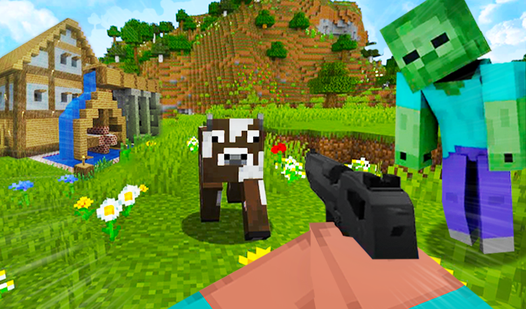
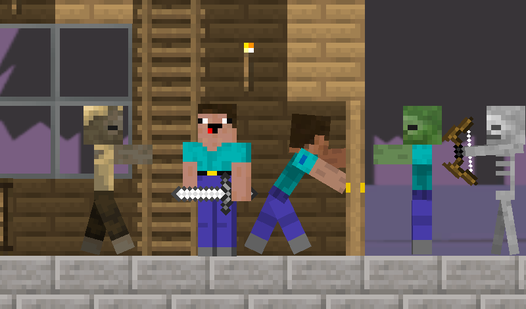
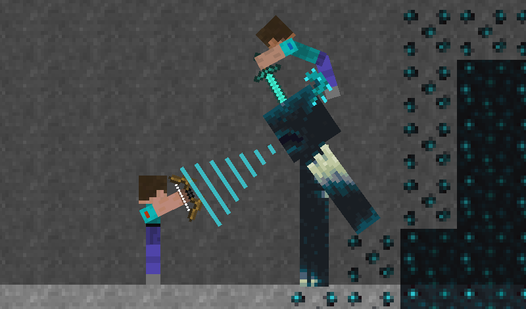
- Ragdoll Physics: Watching mobs flop around after you hit them is hilarious. It adds a weird, bouncy vibe to every combat encounter.
- Random Generation: Enter any key to build your map. You never know if you will spawn on a mountain or in a hole.
- Day-Night Cycle: Sunlight is your only safety. When it gets dark, the game gets aggressive and the mob density spikes.
How to Play
Mastering the Noob Craft 3D controls
Use WASD to move and Space to jump. You need to get comfortable with these Noob Craft 3D controls before you try anything fancy. Watch your stamina when sprinting. Most players jump straight into combat without checking their inventory first, which is a massive mistake.
Surviving in Noob Craft 3D
Learn how to play Noob Craft 3D by prioritizing your tools. Left click destroys blocks and right click places them. If you stop moving, the mobs will swarm you. It gets hectic once the sun goes down, so keep your eyes on the horizon.
Who Should Play Noob Craft 3D?
Frequently Asked Questions about Noob Craft 3D
How do you generate a custom world in Noob Craft 3D?
Just type any word or number into the generation key box before you start. Every input creates a unique, random map for you to explore.
What are the controls for Noob Craft 3D?
You use WASD to move, Space to jump, and your mouse buttons to interact with the environment. Press E to manage your crafting menu.
Is Noob Craft 3D free to play?
Yes, Noob Craft 3D is completely free to play on Nub Games. There are no in-app purchases. No download or registration required.
Can I play Noob Craft 3D on mobile?
Noob Craft 3D is currently available on desktop only. Best played in landscape mode.
What age rating is Noob Craft 3D?
The catalog age rating for Noob Craft 3D is 12+.