




Key Features
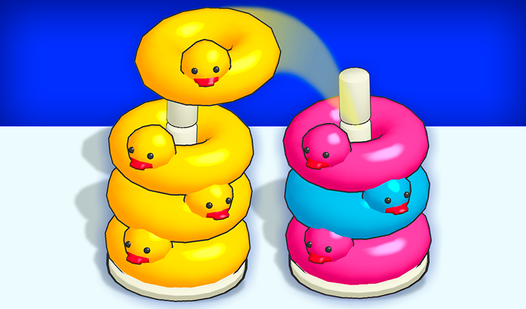
- Color Sorting: Sort individual 3D parts into their designated matching boxes. This process clears the board and allows you to progress further.
- Engineering Puzzles: Advance through the game to encounter new tools. These additions change how you approach the spatial layout of each level.
How to Play
How to start in Unscrew Jam Classic
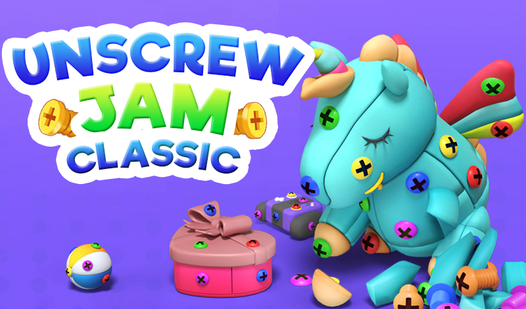
To learn how to play Unscrew Jam Classic, focus on identifying the colors of the 3D parts. You must move them into the matching boxes to clear the board. If you mix up your colors, you will quickly find yourself unable to complete the level.
Unscrew Jam Classic controls for your device
The Unscrew Jam Classic controls depend on your hardware. Use your computer mouse on a PC to click and unscrew parts. If you are using a smartphone or tablet, use taps and swipes to manipulate the objects. Always check your orientation before moving a bolt.
Who Should Play Unscrew Jam Classic?
Frequently Asked Questions about Unscrew Jam Classic
Can I play Unscrew Jam Classic on my phone?
Yes, this game is supported on mobile devices. You can use taps and swipes to control the action on your tablet or smartphone screen.
What are the controls for Unscrew Jam Classic?
On a computer, you use a mouse to interact with the game. Mobile users rely on taps and swipes to unscrew the 3D parts and solve the puzzles.
Is Unscrew Jam Classic free to play?
Yes, Unscrew Jam Classic is free to play on Nub Games. No download or registration required.
What age rating is Unscrew Jam Classic?
The catalog age rating for Unscrew Jam Classic is 0+.