











Key Features
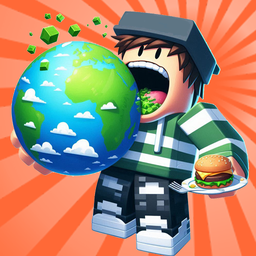
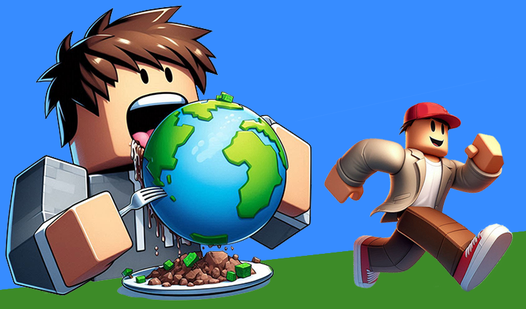
- Hunger mechanics: Consume everything in sight to bulk up. Your hitbox grows with you, making it easier to snag extra loot.
- Aggressive scavenging: Throw chunks of the map at other players. If you’re feeling bold, just swallow them whole.
- Style upgrades: Unlock new costumes to flex on the server. You'll look better while you wreak havoc.
- World hopping: Visit different universes to keep the scenery fresh. Some maps are tight and claustrophobic.
How to Play
Obby: Eat the World: The basics of growth
Use WASD for movement and right-click to snack on chunks of the map. Obby: Eat the World controls feel a bit floaty while you're small, so don't get frustrated if you miss a bite. The bigger you get, the easier it is to snag whole islands.
How to play Obby: Eat the World and survive
Press G to sell your piles of dirt and upgrade your stats. A common mistake is ignoring the upgrade panel—if you don't buff your speed, you’re just a slow target for the giants. Once you figure out how to play Obby: Eat the World, you’ll be throwing boulders at rivals in no time.
Who Should Play Obby: Eat the World?
Frequently Asked Questions about Obby: Eat the World
How do you throw chunks of land in Obby: Eat the World?
Just press the E key after you have harvested a piece of the world. Aim carefully, as the chunks have a bit of travel time before they connect.
Can I play Obby: Eat the World on my phone?
This one is built specifically for desktop browsers. You'll need a keyboard and mouse to handle the movement and the combat effectively.
Is Obby: Eat the World free to play?
Yes, Obby: Eat the World is completely free to play on Nub Games. There are no in-app purchases. No download or registration required.
Can I play Obby: Eat the World on mobile?
Obby: Eat the World is currently available on desktop only. Best played in landscape mode.
What age rating is Obby: Eat the World?
The catalog age rating for Obby: Eat the World is 12+.