








Key Features
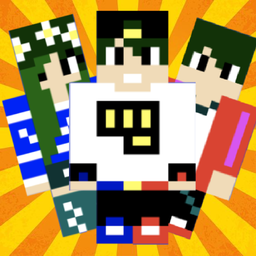
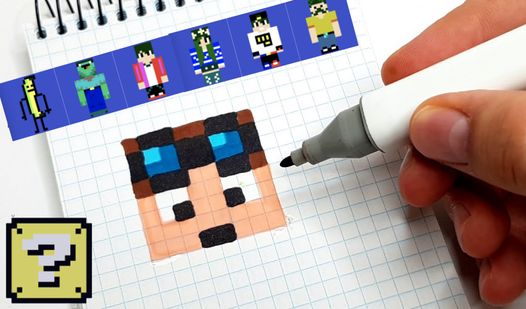
- Pixel art precision: Every block is a tiny canvas. Change one shade and the entire vibe of your character shifts instantly.
- Animated posing: Bring your static drawings to life. Select a movement pattern to see your work in action.
- Global leaderboards: See what others are cooking. The best designs rise to the top of the desktop charts.
- Skin editing: Tweak existing models. It is faster than starting from scratch when you just need a quick color swap.
How to Play
Make a skin: Picking your palette
Click on a blank slot to start your masterpiece. You simply tap or click the color blocks in the lower right to fill in your character. Use the mouse or your finger to paint pixel by pixel. Make a skin controls are basic, but the UI is a bit cramped on smaller screens.
Mastering how to play Make a skin
Once you finish your design, head to the lower left to set up animations. You can pose your character to see how it moves in the wild. Don't forget to check the trophy icon to see if your creation is topping the charts among other artists.
Who Should Play Make a skin?
Frequently Asked Questions about Make a skin
How do you animate your character in Make a skin?
After you finish editing, look for the animation menu in the lower left corner. Click that button to cycle through different poses and movements for your skin.
Can I play Make a skin on my phone?
Yes, it works perfectly on mobile devices. You just use your finger to tap the colors and paint your skin on the go.
Is Make a skin free to play?
Yes, Make a skin is completely free to play on Nub Games. Optional in-app purchases are available. No download or registration required.
Can I play Make a skin on mobile?
Make a skin works on both desktop and mobile devices. Best played in portrait mode.
What age rating is Make a skin?
The catalog age rating for Make a skin is 6+.