











Key Features
- Grid management: Every block you place alters the board height. You must balance quick clears with long-term layout planning.
- Visual feedback: The colors change as the board height increases. It gets frantic when the blocks reach the danger zone.
- Score tracking: Your high score stays saved locally. Compete against your past self to climb the leaderboard.
- Level progression: Speed increases as you clear more lines. The game gets twitchy.
How to Play
Slider: mastering the movement
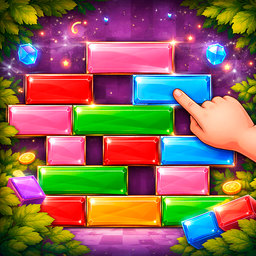
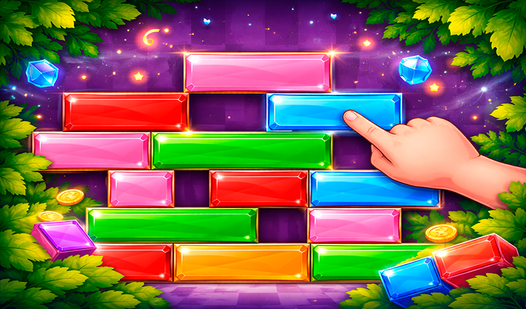
To learn how to play Slider, just drag blocks left or right with your mouse or finger to fill the horizontal gaps. If you form a line, it clears instantly. You need to keep the board from hitting the top, so don't leave too many scattered holes in your layout early on.
Slider controls and strategy
Slider controls are simple, but don't get cocky. A common mistake is rushing to clear lines without checking where the next piece fits. Plan your moves to keep the structure flat. If you ignore the empty pockets, you'll regret it when the board fills up too fast for you to react.
Who Should Play Slider?
Frequently Asked Questions about Slider
Can I play Slider on my phone?
Yes, it works perfectly on mobile browsers. Just touch and drag the blocks to move them across the grid exactly like you would with a mouse.
What games are similar to Slider?
If you want other puzzles, try Obby: Escape from Barry Prison for a change of pace or Avoid Waves - Rescue Memes! to test your reflexes.
Is Slider free to play?
Yes, Slider is completely free to play on Nub Games. There are no in-app purchases. No download or registration required.
Can I play Slider on mobile?
Slider works on both desktop and mobile devices. Best played in portrait mode.
What age rating is Slider?
The catalog age rating for Slider is 6+.