





Key Features
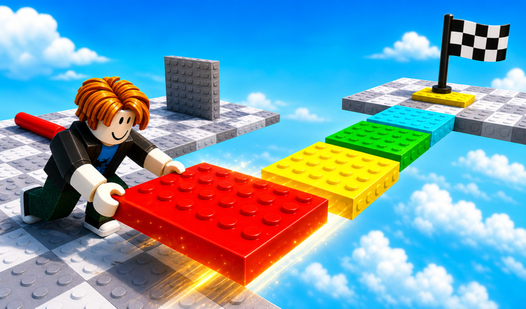
- Tight platforming: The physics engine is unforgiving. If your toe touches the edge, you are back at the last checkpoint.
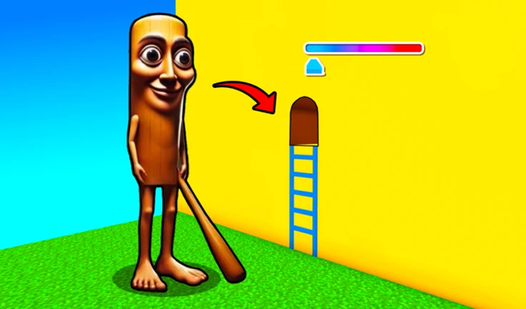
- Minimalist aesthetic: Bright colors help you spot the next ledge. It keeps the screen clean during high-speed runs.
- Aggressive checkpoints: You won't lose all your progress when you fail. The game saves your spot constantly.
- Spiky difficulty: Early levels are a breeze. By the end, you’ll be sweating over single jumps.
How to Play
Mastering Obby Sahur Parkour movement
Use WASD to sprint and the space bar to clear those gaps. Mobile users just tap the screen to jump. The Obby Sahur Parkour controls feel a bit slippery at first, so don’t expect to stick every landing immediately. Take your time getting the rhythm down.
Avoiding death in Obby Sahur Parkour
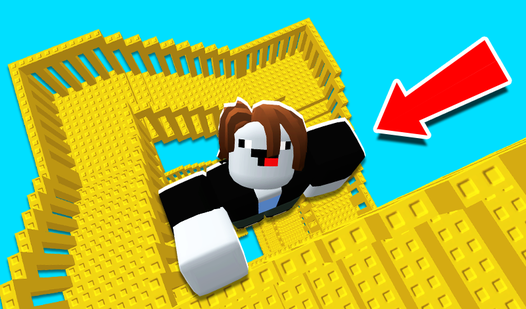
The most common mistake is holding the sprint key while turning sharp corners. You will slide right off the edge if you aren't careful. Learning how to play Obby Sahur Parkour requires patience. Once you hit the later stages, the platforms get tiny and the jumps demand pixel-perfect timing.
Who Should Play Obby Sahur Parkour?
Frequently Asked Questions about Obby Sahur Parkour
Can I play Obby Sahur Parkour on my phone?
Yes, it works fine on mobile devices. Just use the on-screen joystick and the touch-based camera controls to move your character across the map.
What are the controls for Obby Sahur Parkour?
On your computer, use the W, A, S, and D keys to run. The space bar handles your jumps, and moving your mouse rotates the view.
Is Obby Sahur Parkour free to play?
Yes, Obby Sahur Parkour is completely free to play on Nub Games. Optional in-app purchases are available. No download or registration required.
Can I play Obby Sahur Parkour on mobile?
Obby Sahur Parkour works on both desktop and mobile devices. Best played in none mode.
What age rating is Obby Sahur Parkour?
The catalog age rating for Obby Sahur Parkour is 0+.