




Key Features
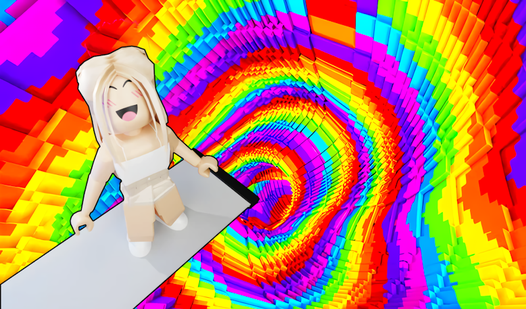
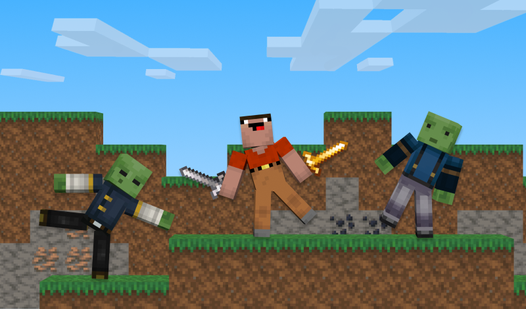
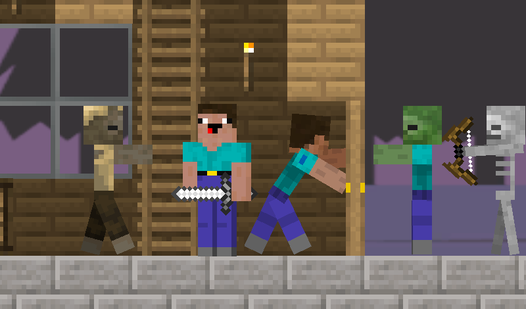
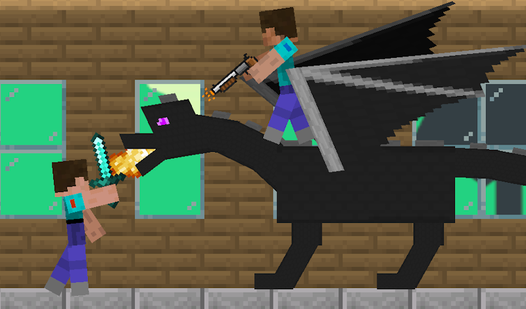
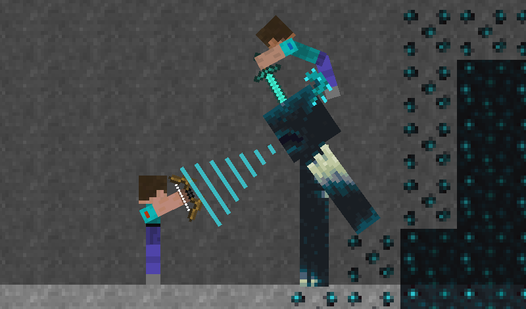
- Ragdoll chaos: Every impact sends your limbs flying in weird directions. You will look ridiculous, but that is the point.
- Cursor manipulation: Drag objects or yourself to reach high spots. It turns the world into your own personal playground.
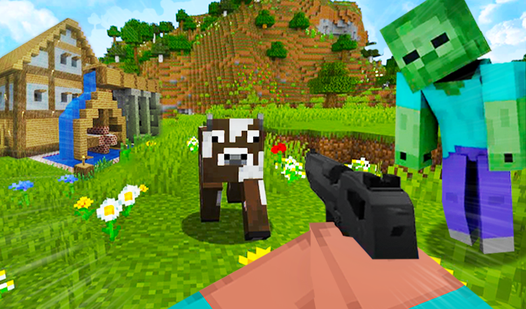
- Day-night cycle: Visibility drops when the sun goes down. Monsters get bolder, so keep your weapons ready.
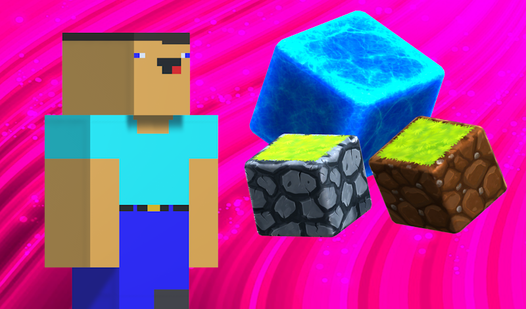
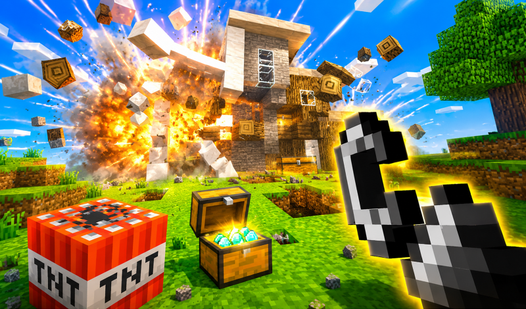
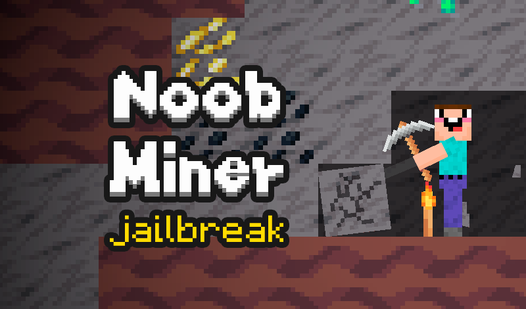
- Resource gathering: Break blocks to craft better gear. You need the upgrades to survive the tougher zones.
How to Play
Mastering MinePlayground: Open World movement
Use WASD to move and your mouse to grab limbs. The MinePlayground: Open World controls feel a bit slippery at first, so do not expect to nail those landings immediately. You have to treat your character like a loose collection of joints. It takes some patience to stop flailing.
Why the cursor is key in MinePlayground: Open World
Think of the cursor as your primary tool. You use it to drag yourself over obstacles or toss enemies off cliffs. This is how to play MinePlayground: Open World effectively, as relying only on WASD makes you a sitting duck. Just watch your grip strength during intense fights.
Who Should Play MinePlayground: Open World?
Frequently Asked Questions about MinePlayground: Open World
How do you move objects in MinePlayground: Open World?
You simply click and hold your cursor on any limb or item to drag it across the screen. It allows for some creative solutions when you are stuck.
Can I play MinePlayground: Open World on my phone?
Yes, it works on mobile devices using your touchscreen. The physics feel slightly harder to manage on a small screen, but the chaos remains just as funny.
Is MinePlayground: Open World free to play?
Yes, MinePlayground: Open World is free to play on Nub Games. No download or registration required.
What age rating is MinePlayground: Open World?
The catalog age rating for MinePlayground: Open World is 12+.