















Key Features
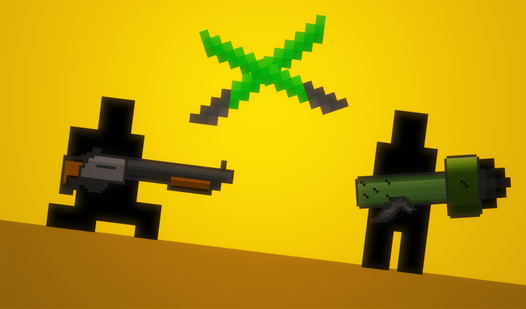
- Tactical Leaning: The Q and E keys allow you to peek around obstacles. This exposes less of your body to incoming fire.
- Modern Arsenal: Firefights rely on your ability to aim using M2. Quick reactions determine if you land the shot or miss entirely.
- Scoreboard Tracking: Press TAB to view the current standings. Knowing your status helps you adjust your strategy during fast-paced matches.
How to Play
Mastering Military Strike movement
Use the WASD keys to shift your position across the map. You need to keep moving to survive, but stay alert for enemies hiding in corners. Learning how to play Military Strike requires you to balance speed with awareness, as a single careless move often leads to immediate defeat.
Using Military Strike controls
Your Military Strike controls include M2 for aiming and M1 for shooting. Always aim down your sights before firing to improve your accuracy during intense combat encounters. Use the Q and E keys to lean around corners, which lets you scout areas while keeping most of your body protected from fire.
Who Should Play Military Strike?
Frequently Asked Questions about Military Strike
What are the controls for Military Strike?
On a desktop, you use WASD to move, Q and E to lean, and your mouse buttons for aiming and shooting. Mobile players can use simple on-screen buttons with automatic shooting enabled.
Can I play Military Strike on my phone?
Yes, Military Strike supports mobile devices. You simply use the on-screen buttons to control your character and the automatic shooting feature handles the combat.
Is Military Strike free to play?
Yes, Military Strike is free to play on Nub Games. Optional in-app purchases are available. No download or registration required.
What age rating is Military Strike?
The catalog age rating for Military Strike is 12+.