











Key Features
- Camera view switching: Choose between four different angles including rear and side views. Changing your perspective helps you spot obstacles before you crash into them.
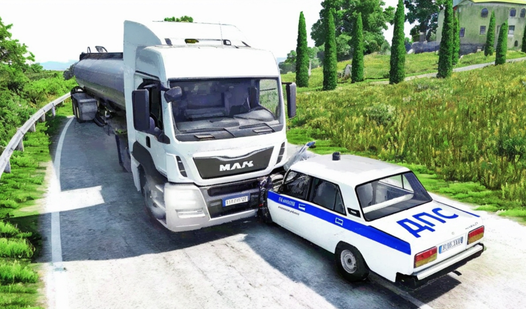
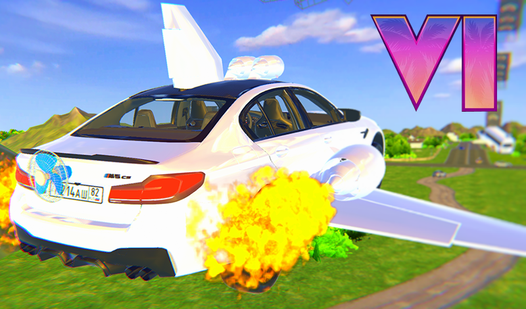
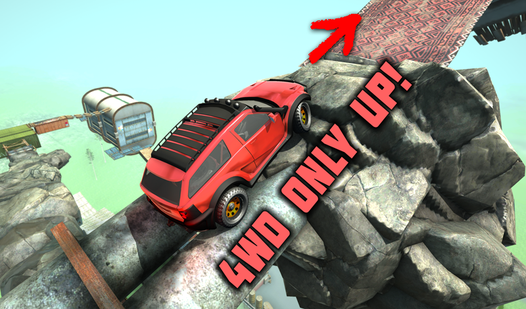
- Total vehicle destruction: Demolish any obstacle in your path to clear a route. This mechanic allows you to smash through barriers that would stop other drivers.
- Flexible input methods: The game supports both desktop and mobile play. You can use keyboard keys or on-screen arrows to drive.
How to Play
Mastering Large auto-pickup movement
To learn how to play Large auto-pickup, focus on your speed and traction. Use the W key or green arrow to accelerate, but watch your momentum. If you lose grip, tap the space bar or yellow slash for the handbrake. Large auto-pickup controls require quick fingers to keep the car steady.
Correcting Large auto-pickup accidents
You will eventually flip your vehicle while navigating obstacles. When this happens, press R immediately to turn the car back over. This is the fastest way to recover and stay in the race. Without this recovery feature, one bad crash in Large auto-pickup would end your run.
Who Should Play Large auto-pickup?
Frequently Asked Questions about Large auto-pickup
What are the Large auto-pickup controls?
On desktop, use WASD to drive, Space for the handbrake, and R to flip your car. Mobile users rely on the green, red, and blue arrows for movement with a yellow slash for braking.
Can I play Large auto-pickup on my phone?
Yes, the game is supported on mobile devices. You simply use the touch-based arrow buttons provided on the screen to steer and handle the car.
Is Large auto-pickup free to play?
Yes, Large auto-pickup is free to play on Nub Games. No download or registration required.
What age rating is Large auto-pickup?
The catalog age rating for Large auto-pickup is 6+.