









Key Features
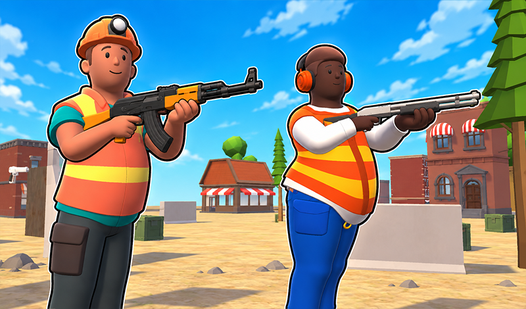
- Time Stop Combat: Hit Q to freeze the world entirely. You can clear out an entire enemy gang before their shots move an inch.
- Turf Garrison: Hire assault fighters, snipers, and medics. Level them up to defend your captured blocks from incoming night raids.
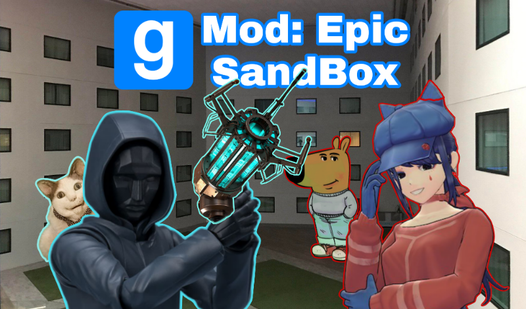
- Sandbox Spawning: Use the menu to drop bikes, mines, or explosive barrels into the city. Cause chaos to distract the police force.
How to Play
Mastering Gangs: Turf Wars combat
To learn how to play Gangs: Turf Wars, you must manage your turf. Use Q to stop time during shootouts. This allows you to eliminate threats before their bullets land. Press E to interact and spawn items like cars or explosives to turn the tide. Always build walls and turrets to survive night raids.
Gangs: Turf Wars controls and management
PC players use WASD to move and the mouse to aim. You need to press B to build your defenses and Tab to open headquarters. The map key M helps you track your blocks. Check your Gangs: Turf Wars controls often, as spawning a ramp or a chicken can change your strategy instantly.
Who Should Play Gangs: Turf Wars?
Frequently Asked Questions about Gangs: Turf Wars
What are the controls for Gangs: Turf Wars?
You move with WASD, aim with the mouse, and fire using the left click. Use Q to stop time, E to spawn items, B to build, Tab for headquarters, and M for the map.
Can I play Gangs: Turf Wars on my phone?
Yes, the game supports mobile platforms alongside desktop play. You can access the sandbox directly in your browser.
Is Gangs: Turf Wars free to play?
Yes, Gangs: Turf Wars is free to play on Nub Games. Optional in-app purchases are available. No download or registration required.
What age rating is Gangs: Turf Wars?
The catalog age rating for Gangs: Turf Wars is 12+.