









Key Features
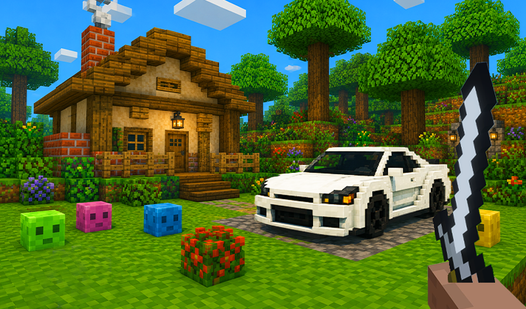
- Vehicle transport: Hop into a car to cover long distances rapidly. This method allows for faster exploration of the diverse world compared to walking.
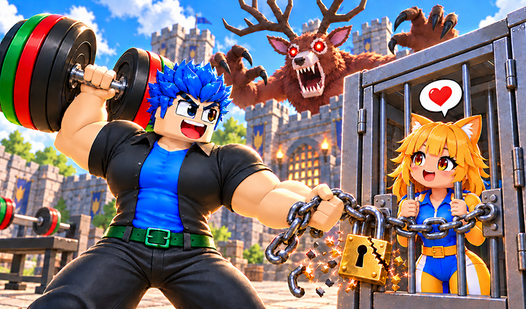
- Dynamic survival: Nighttime brings dangerous mobs that target your structures. You must fight back with weapons to protect your progress.
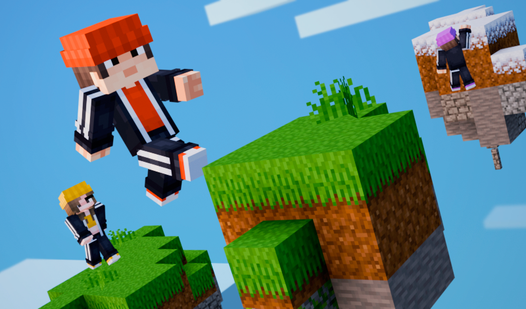
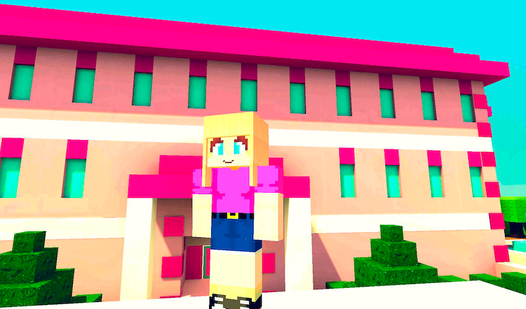
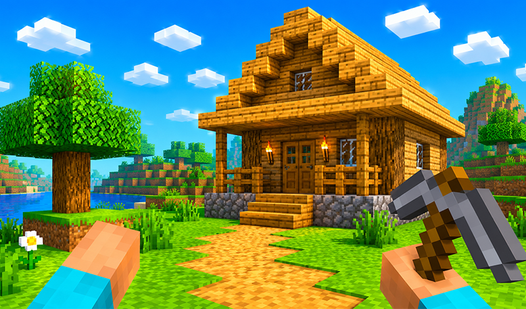
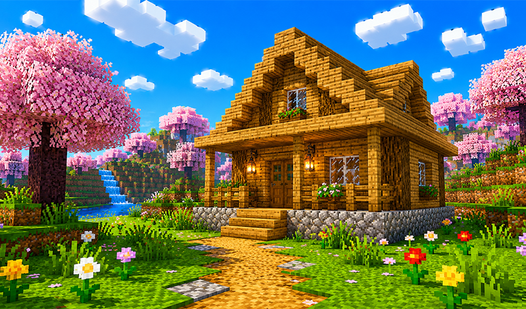
- Creative building: Mine resources to craft blocks for any structure. Create everything from a small shelter to massive buildings.
How to Play
CubeWorld: Craft Block 3D: Mastering your movement
Use WASD to navigate the terrain and Space to jump over obstacles. Sprinting with the Shift key helps you cover distance quickly when resources are far away. Understanding how to play CubeWorld: Craft Block 3D requires you to manage these movements while mining underground or escaping nighttime threats.
Managing CubeWorld: Craft Block 3D controls
Open your inventory with E to organize your gathered materials. You can select your active blocks using the 1-9 keys to swap between tools and building supplies. Efficiently switching between items is vital when you need to craft a weapon to defend your structures against incoming mob attacks.
Who Should Play CubeWorld: Craft Block 3D?
Frequently Asked Questions about CubeWorld: Craft Block 3D
Can I play CubeWorld: Craft Block 3D on my phone?
Yes, the game is supported on mobile devices. You can use the on-screen controls and interface elements to mine and build while on the go.
What are the controls for CubeWorld: Craft Block 3D on desktop?
Desktop players use WASD to move, Shift to sprint, and Space to jump. You also use the E key for your inventory and keys 1-9 to select blocks.
Is CubeWorld: Craft Block 3D free to play?
Yes, CubeWorld: Craft Block 3D is free to play on Nub Games. No download or registration required.
What age rating is CubeWorld: Craft Block 3D?
The catalog age rating for CubeWorld: Craft Block 3D is 6+.