






Key Features
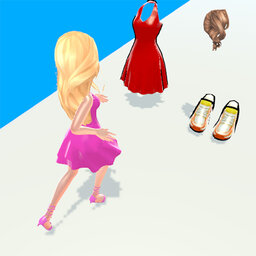
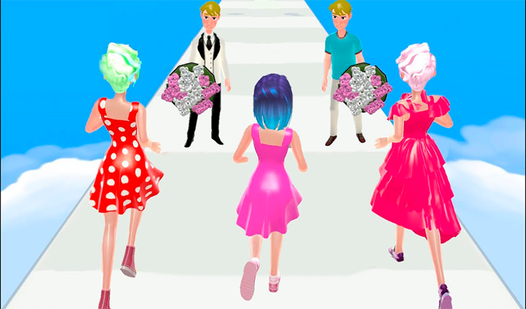
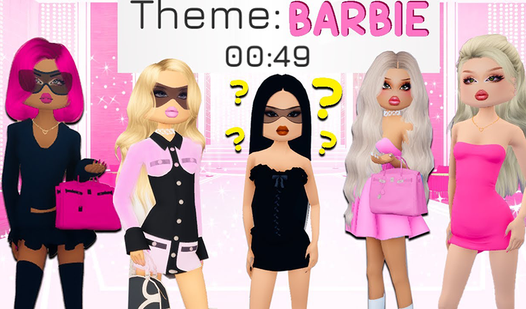
- Deep customization: The sheer volume of accessories means you can tweak every single pixel. Your doll will look like nobody else's.
- Home staging: Pick out furniture and wall decor. It adds a whole new dimension to your fashion spreads.
- Pet companions: Choose a sidekick to match your outfit. It makes the final screenshot look way more professional.
- Shareable looks: Export your final design to show off. Your friends might actually be impressed by your sense of style.
How to Play
Mastering Puppet Designer tools
Use your mouse to click and drag items onto your doll. You can layer accessories, swap colors, and test out different patterns until the look clicks. The Puppet Designer controls are straightforward, but some of the smaller UI buttons get a bit cramped on mobile screens. Watch out for those tiny hitboxes.
How to play Puppet Designer effectively
Don't just stick to the basics. You should try mixing the pet options with the interior decor to give your character a full narrative context. Once you learn how to play Puppet Designer, you will realize that the real challenge is keeping the color palette from becoming a total eyesore.
Who Should Play Puppet Designer?
Frequently Asked Questions about Puppet Designer
Can I play Puppet Designer on my phone?
Yes, it runs on mobile browsers without any issue. Just be aware that the interface can feel a bit crowded when you are working on the smaller home decor details.
How do you save your creations in Puppet Designer?
The game does not have a native save slot system. You should take a screenshot of your masterpiece once you finish styling to keep a record of your favorite looks.
Is Puppet Designer free to play?
Yes, Puppet Designer is completely free to play on Nub Games. There are no in-app purchases. No download or registration required.
Can I play Puppet Designer on mobile?
Puppet Designer works on both desktop and mobile devices. Best played in portrait mode.
What age rating is Puppet Designer?
The catalog age rating for Puppet Designer is 12+.