











Key Features
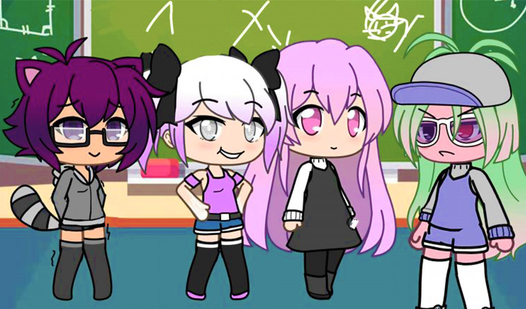
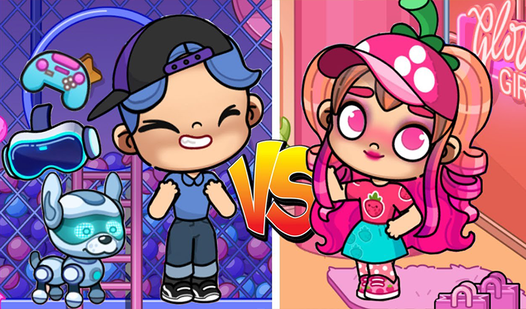
- Creative freedom: Mix and match hundreds of style elements to find a look that actually fits your personal taste.
- Interactive pets: Feed your characters or hand them items to see how they react to your choices in real time.
- Interior design: Fill your virtual space with custom furniture layouts. It changes the whole feel of your session.
- Photo mode: Snap a screenshot of your best outfits to save your progress.
How to Play
Avatar Stylist: Mastering the basics
To learn how to play Avatar Stylist, just tap or click on any item you want to move. Dragging objects into your character's hands is the primary way to trigger interactions. The Avatar Stylist controls are simple, but keep an eye on your character's reactions so you don't accidentally drop things.
Decorating in Avatar Stylist
Open the interior menu to swap out furniture for your rooms. You can drag and drop items to position them exactly where you want. Just watch out for overlapping hitboxes; sometimes placing a chair too close to the wall makes it impossible to select again. It gets tricky in the later rooms.
Who Should Play Avatar Stylist?
Frequently Asked Questions about Avatar Stylist
Can I play Avatar Stylist on my phone?
Yes, you can play on your mobile phone without any issues. The touch controls work just as well as a mouse for dragging your items around.
How do you take a photo in Avatar Stylist?
You just tap the camera icon on the screen whenever you are ready. It captures your current setup instantly, letting you show off your style choices.
Is Avatar Stylist free to play?
Yes, Avatar Stylist is completely free to play on Nub Games. There are no in-app purchases. No download or registration required.
Can I play Avatar Stylist on mobile?
Avatar Stylist works on both desktop and mobile devices. Best played in landscape mode.
What age rating is Avatar Stylist?
The catalog age rating for Avatar Stylist is 6+.