





Key Features
- Meme-filled chaos: The visual style is packed with internet culture references. You'll recognize the characters immediately as you scramble through the prison.
- Punishing jumps: The platform hitboxes can feel tight during high-speed runs. You have to be perfect or you're hitting the reset button.
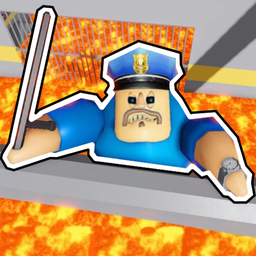
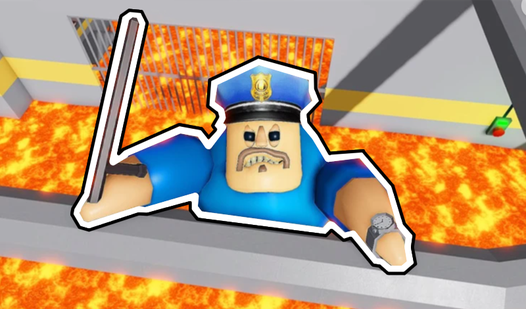
- Guard evasion: Barry isn't just decoration; he tracks your movement. You need to stay out of his line of sight to survive.
- Mobile friendly: The touch controls work well on phones. You can take your parkour skills anywhere without needing a mouse.
How to Play
Mastering Leave controls
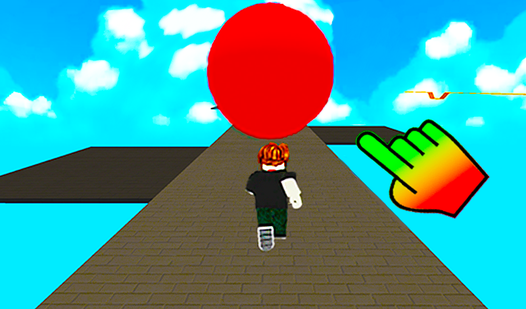
To start, use WASD on your desktop or the touch joystick on mobile to maneuver. Leave controls feel a bit slippery at first, so don't be surprised if you slide right off the platform on your first go. Practice your momentum before sprinting toward those tricky jumps.
How to play Leave and survive
Keep your eyes peeled for the guard. One common mistake is holding Shift to accelerate when you should be slowing down for tight corners. If you rush, you'll fall. Master the timing of your jumps to clear the obstacles, because the later levels turn into an absolute nightmare of tight gaps.
Who Should Play Leave?
Frequently Asked Questions about Leave
Can I play Leave on my phone?
Yes, the game is fully optimized for mobile devices. Just use the touch joystick on the left of your screen to move and the jump button on the right.
What are the controls for Leave?
On a computer, use WASD to move and Space to jump. You can use Shift to accelerate, though it makes the game much harder to handle on narrow ledges.
Is Leave free to play?
Yes, Leave is completely free to play on Nub Games. There are no in-app purchases. No download or registration required.
Can I play Leave on mobile?
Leave works on both desktop and mobile devices. Best played in landscape mode.
What age rating is Leave?
The catalog age rating for Leave is 6+.