



Key Features
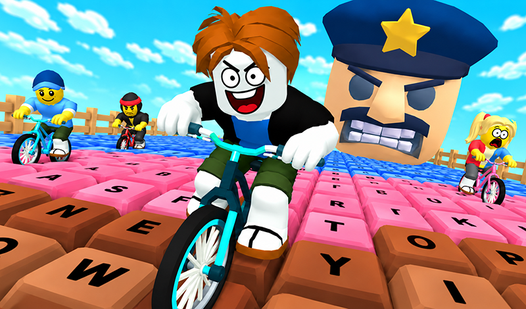
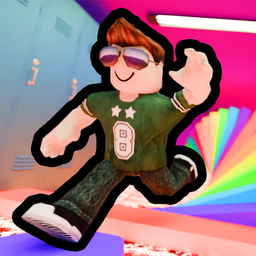
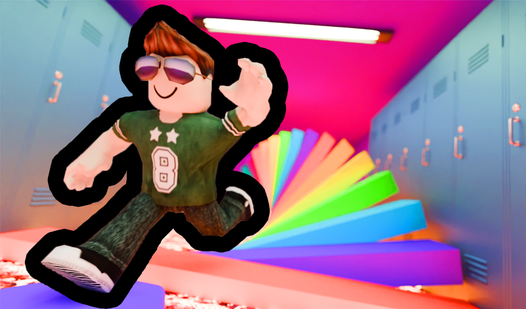
- Shrunken perspective: Ordinary classroom objects turn into massive, looming obstacles. It changes how you judge distance during a jump.
- Lava hazards: The floor is gone. One wrong step sends you back to the last checkpoint.
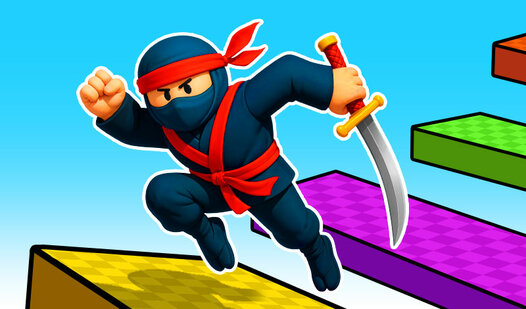
- Precision platforming: You need steady hands to navigate the rulers and chairs. It’s twitchy but fair.
- Mobile support: Touch controls work for jumping on the go.
How to Play
Mastering Obby: Escape from school! movement
Use WASD to move and the spacebar to jump. Obby: Escape from school! controls feel a bit floaty, so stop holding forward the second you leave a platform. If you try to correct your trajectory mid-air, you’ll just slide off the edge into the boiling mess.
How to play Obby: Escape from school! effectively
Don't rush the jumps. A common mistake is sprinting toward every gap without checking the landing zone. Take a breath and learn how to play Obby: Escape from school! by timing your leaps around the moving platforms. Once you clear the textbooks, the geometry gets even weirder.
Who Should Play Obby: Escape from school!?
Frequently Asked Questions about Obby: Escape from school!
How do you jump further in Obby: Escape from school!?
You need to use the shift key to speed up before hitting the jump button. Getting a running start is the only way to clear the massive gaps between the school desks.
What are the controls for Obby: Escape from school!?
On desktop, use WASD to move and Space to jump. Mobile players use the on-screen buttons to accelerate and leap over the hazards.
Is Obby: Escape from school! free to play?
Yes, Obby: Escape from school! is completely free to play on Nub Games. There are no in-app purchases. No download or registration required.
Can I play Obby: Escape from school! on mobile?
Obby: Escape from school! works on both desktop and mobile devices. Best played in landscape mode.
What age rating is Obby: Escape from school!?
The catalog age rating for Obby: Escape from school! is 0+.