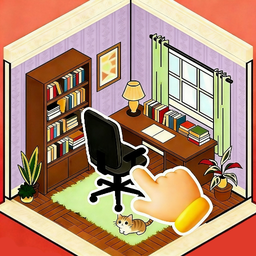
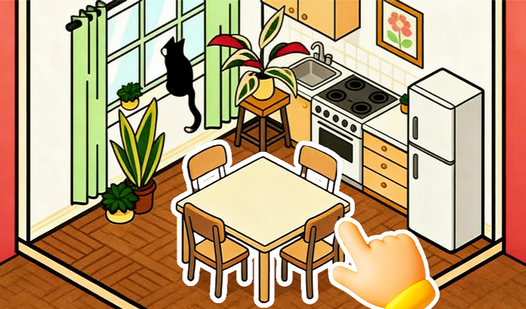












Key Features
- Infinite Pet Placement: Drop cats and dogs anywhere. They don't have collision boxes, so you can pile them up like a soft, furry mountain.
- Precision Rotation: Spin items to any angle you want. It helps when you need that one chair to face the window.
- Save Your Vibe: Click the button to keep your creation. It saves your current look so you can show it off later.
- Unlimited Decor: There are no limits on how many rugs or lamps you use. Go wild with the aesthetic.
How to Play
Whimsy Room: Getting Started
Use your mouse to drag furniture and decor into place. The Whimsy Room controls are simple enough, but rotating items can be finicky until you get the hang of it. Click to select an object, then drag it to your desired spot. Start by laying down your carpets to anchor the space.
How to play Whimsy Room like a pro
Don't just dump items in the center of the screen. Layer your rugs and stack pillows to create depth in your design. A common mistake is placing items too close to walls, which makes the room feel cramped. Once you master the layout, you can add all the pets you want.
Who Should Play Whimsy Room?
Frequently Asked Questions about Whimsy Room
How do you rotate items in Whimsy Room?
Select any piece of furniture and look for the rotation handle on the item. Click and drag that handle to spin the object until it faces the exact direction you want it to go.
Can I play Whimsy Room on my phone?
Yes, you can play this on mobile devices using your touch screen. Just tap and drag the items to move them around the room, which actually feels more natural than using a mouse.
Is Whimsy Room free to play?
Yes, Whimsy Room is completely free to play on Nub Games. There are no in-app purchases. No download or registration required.
Can I play Whimsy Room on mobile?
Whimsy Room works on both desktop and mobile devices. Best played in portrait mode.
What age rating is Whimsy Room?
The catalog age rating for Whimsy Room is 6+.