


Key Features
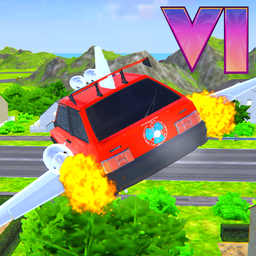
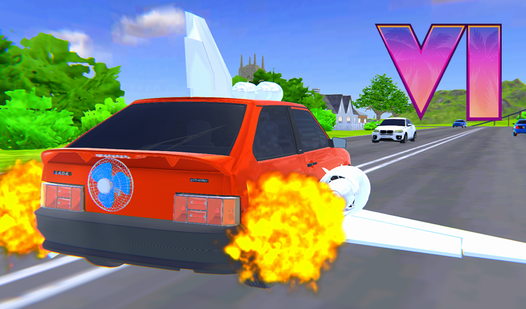
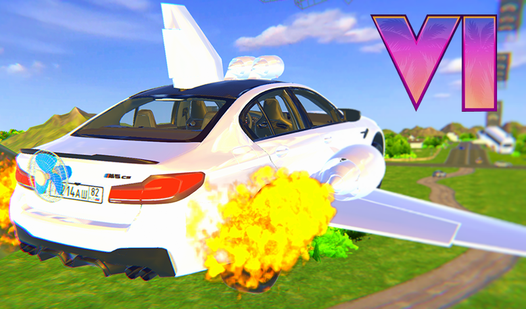
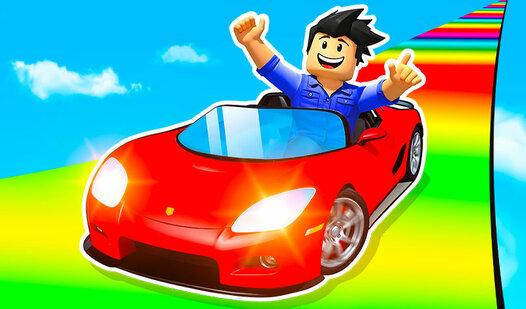
- Winged drift physics: The vehicle handles like it’s glued to the road until you hit the turbo. Then it feels like a rocket.
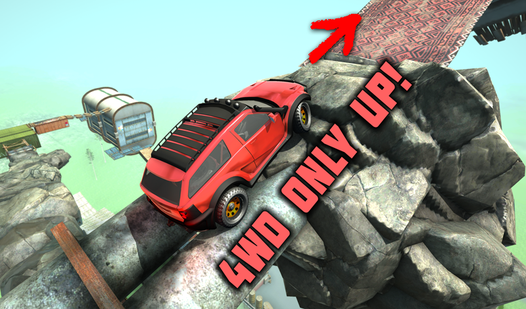
- Destructive city map: Everything is a stunt ramp if you look hard enough. You can launch off buses and buildings.
- Airborne tilt control: You aren't just driving; you're flying. Use the tilt keys to recover from bad jumps.
- Style point system: Rack up points for every drift and jump. It keeps track of how much fuss you cause.
How to Play
Turbo: Mastering the basics
To learn how to play Turbo, use WASD to steer and F to kick in that speed boost. You’ll need to hit the handbrake with Space to slide around corners without flying off the map. Most players mess up early by drifting too late, so start your turn before you even see the corner.
Turbo: Handling aerial maneuvers
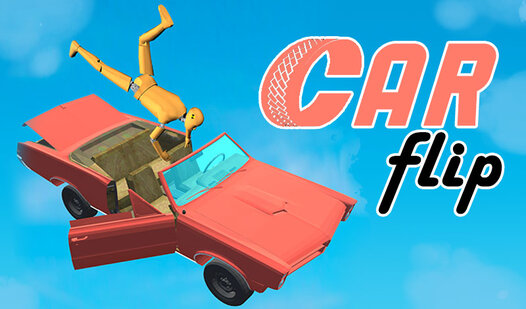
Your Turbo controls include Q and E keys for tilting while flying through the air. You’ll want to level out before you hit the ground to nail a landing. If you nose-dive, you’re hitting the asphalt. The cars feel a bit floaty, which makes hitting those jumps a nightmare until you get the timing down.
Who Should Play Turbo?
Frequently Asked Questions about Turbo
How do you control the car in the air in Turbo?
Use the Q and E keys while you are airborne to tilt the car. This keeps you level so you don't crash when you land.
Can I play Turbo on my phone?
Yes, you can play on your phone using the touch buttons on the screen. It works the same as the desktop version but requires quick fingers.
Is Turbo free to play?
Yes, Turbo is completely free to play on Nub Games. Optional in-app purchases are available. No download or registration required.
Can I play Turbo on mobile?
Turbo works on both desktop and mobile devices. Best played in landscape mode.
What age rating is Turbo?
The catalog age rating for Turbo is 6+.