










Key Features
- Custom Sandbox: Place saws and portals anywhere. Your level layout directly determines if you pass or crash into a wall.
- Physics control: The wave flight has a specific momentum. You have to anticipate the drift before you hit the corners.
- Visual tools: Swap the background color to keep things fresh. It helps you focus on the obstacle patterns.
- Trash system: The red-lit trash icon lets you clean up mistakes. It is essential for fixing accidental object placements.
How to Play
Wave Editor: Master the movement
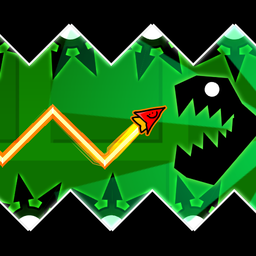
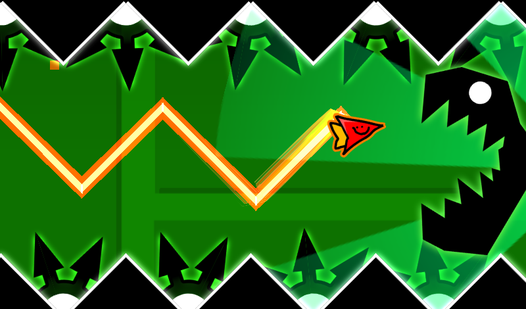
To learn how to play Wave Editor, you need to understand that your ship only moves when you hold the mouse or tap the screen. Releasing the button drops you down, while holding it sends you upward. These Wave Editor controls feel a bit slippery at first, so practice your flight arcs.
Build your own Wave Editor nightmare
Drag obstacles from the menu into the center of the screen to place them. Use the arrow buttons to scroll through your layout and refine the path. A common mistake is placing saws too close to portals, which makes the level feel unfair. Keep building until you find the perfect balance.
Who Should Play Wave Editor?
Frequently Asked Questions about Wave Editor
Can I play Wave Editor on my phone?
Yes, you can play Wave Editor on any mobile device with a touchscreen. The controls map directly to your taps, allowing you to build and fly levels on the go.
How do you delete objects in Wave Editor?
Click the trash can icon until it lights up red. Once the button is active, simply tap any object you placed to remove it from your level instantly.
Is Wave Editor free to play?
Yes, Wave Editor is completely free to play on Nub Games. There are no in-app purchases. No download or registration required.
Can I play Wave Editor on mobile?
Wave Editor works on both desktop and mobile devices. Best played in landscape mode.
What age rating is Wave Editor?
The catalog age rating for Wave Editor is 6+.