







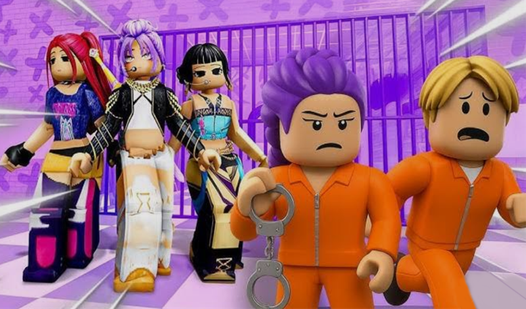

Key Features
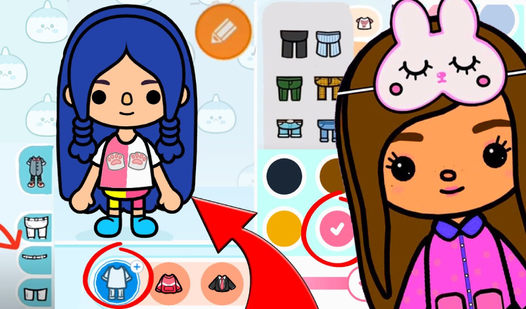
- Deep Customization: Layer shirts, hats, and glasses to build a look that feels yours. The combinations are endless.
- Scene Direction: Drag your character across the screen to set up a photoshoot. You are the director here.
- Accessorize Everything: Pick a phone or briefcase that matches your outfit. It adds a layer of realism.
- Capture Moments: Hit the camera icon to save your work. Share your best outfits with your friends today.
How to Play
Mastering Toca Boca Controls
Toca Boca controls rely entirely on your mouse or a quick tap on your screen. Drag items to your character’s hands or drop clothes directly onto them. Make sure you click precisely on the item icons, as the hitboxes can be a bit finicky if you’re rushing through your outfit choices.
How to play Toca Boca with style
Start by picking a vibe, then cycle through the accessories to nail the look. You’ll learn how to play Toca Boca by experimenting with every single item in the wardrobe. A common mistake is forgetting to equip the phone or briefcase before you hit the screenshot button for that final pose.
Who Should Play Toca Boca?
Frequently Asked Questions about Toca Boca
Can I play Toca Boca on my phone?
Yes, you can easily play it on your mobile device. The touch interface works well for dragging items onto your character, though small screens might make selecting tiny accessories slightly annoying.
How do you save your look in Toca Boca?
Just hit the camera icon on the screen to take a snapshot of your current scene. It saves the image so you can show off your style to everyone you know.
Is Toca Boca free to play?
Yes, Toca Boca is completely free to play on Nub Games. There are no in-app purchases. No download or registration required.
Can I play Toca Boca on mobile?
Toca Boca works on both desktop and mobile devices. Best played in landscape mode.
What age rating is Toca Boca?
The catalog age rating for Toca Boca is 12+.