











Key Features
- Punishing verticality: Falling means losing all that hard-won progress. You reset right at the bottom, which makes every single jump feel like a massive risk.
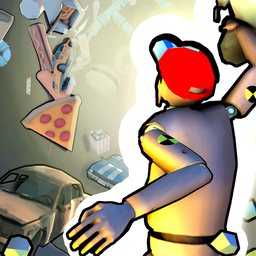
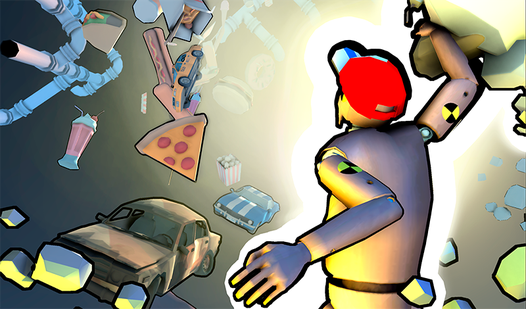
- Coin collection: Snag coins scattered on floating debris. Use them to pick up new skins for your character.
- Ledge grabbing: Clinging to the edge saves your life. It is the only way to recover from a poorly timed jump.
- Minimalist aesthetic: The sky is the limit. It focuses your eyes on the next platform.
How to Play
Mastering To the Stars movement
Learning how to play To the Stars starts with the basics. Use WASD for movement and space to leap across the gaps. To the Stars controls feel a bit floaty, so tap the keys instead of holding them down if you want to avoid overshooting your landing.
Why climb in To the Stars?
Grabbing ledges is your best friend when things get tight. Hold shift to sprint, but keep your cool because the movement speed is easy to misjudge. One common mistake is sprinting blindly toward a ledge. Stumble once and you’re back at the dirt, starting the climb all over again.
Who Should Play To the Stars?
Frequently Asked Questions about To the Stars
How do you climb ledges in To the Stars?
You simply need to jump toward an object and hold the forward key. Your character will automatically latch on, saving you from a long trip back down to the start.
Can I play To the Stars on my phone?
The game was built for keyboard inputs, so it only runs on desktop browsers. Mobile touch controls would likely make these jumps feel impossible to manage.
Is To the Stars free to play?
Yes, To the Stars is completely free to play on Nub Games. Optional in-app purchases are available. No download or registration required.
Can I play To the Stars on mobile?
To the Stars is currently available on desktop only. Best played in landscape mode.
What age rating is To the Stars?
The catalog age rating for To the Stars is 6+.