



Key Features
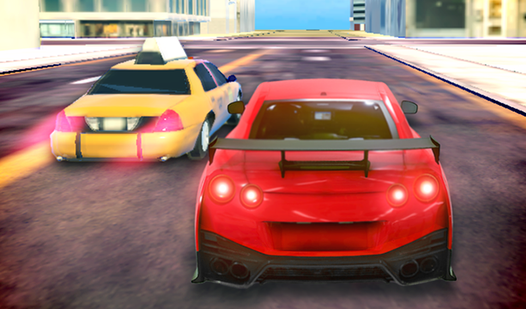
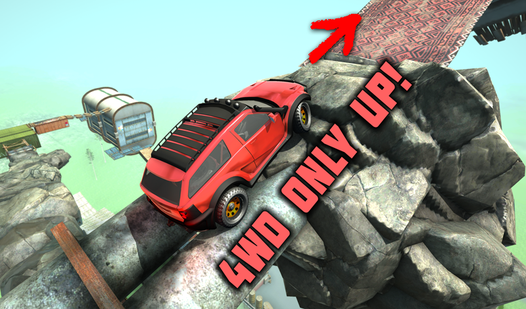
- Customizable off-road: Switching wheel settings in the pause menu transforms how your car grips dirt. It turns a nightmare crawl into a smooth climb.
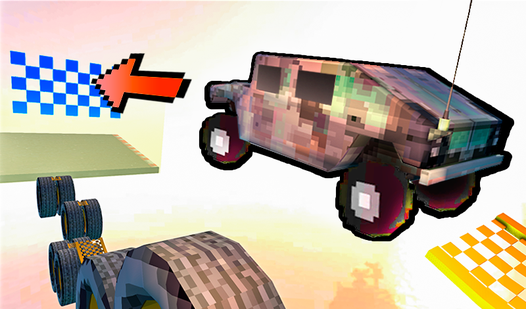
- Stunt arena freedom: Launch your ride off massive ramps. The gravity feels a bit floaty, but that helps you nail a landing.
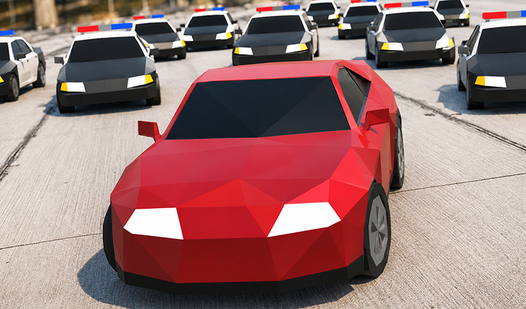
- Mission progression: Completing objectives unlocks faster cars. You need that extra speed to beat the tougher race times later on.
- Look back mechanic: Press B to check your rear. It is handy for seeing how far your rival is before you mess up.
How to Play
TM Driver: Essential controls
Mastering the TM Driver controls is your first hurdle. Use the arrow keys to steer and accelerate, while the space bar handles your braking needs. You must learn to feather the throttle during sharp turns. If you floor it constantly, you will spin out into the grass immediately.
How to play TM Driver for success
When you want to know how to play TM Driver effectively, focus on the missions first. They grant the cash needed for better vehicles. A common mistake is ignoring the pause menu. You can swap your wheel settings there to handle off-road terrain, which is vital for later, trickier tracks.
Who Should Play TM Driver?
Frequently Asked Questions about TM Driver
How do you switch to off-road mode in TM Driver?
Open the pause menu during any session to find the wheel settings. Toggle these to adjust your traction for rougher terrain, which keeps you from sliding off the track constantly.
What games are similar to TM Driver?
If you like this, check out Crazy Car Driving: Complete the track! for more objective-based racing or Crazy Motorcycle for two-wheeled stunts.
Is TM Driver free to play?
Yes, TM Driver is completely free to play on Nub Games. There are no in-app purchases. No download or registration required.
Can I play TM Driver on mobile?
TM Driver is currently available on desktop only. Best played in landscape mode.
What age rating is TM Driver?
The catalog age rating for TM Driver is 6+.