











Key Features
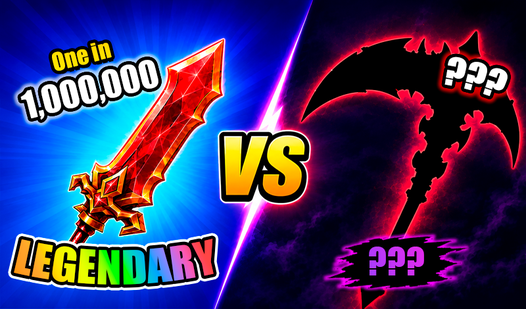
- Automatic Summoning: New swords appear while you battle. This system builds your collection without manual inventory management.
- Soul Conversion: Turn monster Souls into Purple Diamonds at the Anvil. These resources provide the permanent upgrades needed for progression.
- Monster Hordes: Battle endless waves of enemies. You must clear these groups to earn the rewards required for new worlds.
- World Progression: Unlock new areas as you grow stronger. Each location features tougher enemies and better rewards for your arsenal.
How to Play
Sword Simulator: How to grow your arsenal
Summoning happens automatically as you fight monsters. Each new summon gives you a chance to equip a stronger weapon. Learn how to play Sword Simulator by focusing on these drops to increase your total power. Watch your character transform as more swords join your flying formation.
Mastering Sword Simulator controls
PC players use W, A, S, D for movement and the Space bar to jump. Mobile users move with a joystick and tap the jump button. Sword Simulator controls also include mouse or screen input for camera movement and zooming. Adjust your perspective to keep track of incoming monster hordes.
Upgrading in Sword Simulator
Defeat monsters to collect Souls. Take these Souls to the Anvil to convert them into Purple Diamonds. You spend these diamonds on permanent upgrades to boost your stats. This cycle is necessary to reach later worlds where the enemies become much tougher to defeat.
Who Should Play Sword Simulator?
Frequently Asked Questions about Sword Simulator
Can I play Sword Simulator on my phone?
Yes, the game is supported on mobile devices. Use the on-screen joystick to move and the right side of the screen to manage your camera view.
What are the controls for Sword Simulator?
On PC, use W, A, S, D to move and Space to jump. Mobile players use a joystick for movement and a button for jumping.
How do you get stronger in Sword Simulator?
You must defeat monsters to earn Souls for the Anvil. Converting these into Purple Diamonds allows you to purchase permanent upgrades for your character.
Is Sword Simulator free to play?
Yes, Sword Simulator is free to play on Nub Games. Optional in-app purchases are available. No download or registration required.
What age rating is Sword Simulator?
The catalog age rating for Sword Simulator is 12+.