





Key Features
- Local split-screen: Grab a friend to share the keyboard. One player takes the left, the other takes the right, and the chaos doubles instantly.
- Collectable loot: Gifts are tucked behind tricky obstacles. Snagging them requires risky maneuvers that might cost you the run.
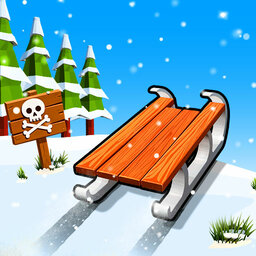
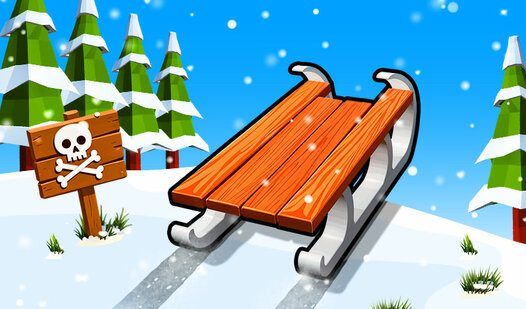
- Physics-based sliding: The sled has weight. You have to lean into turns early or you will slide right off the track.
- Winter parkour: The track is littered with parkour elements. You aren't just driving; you're jumping over hazards while maintaining speed.
How to Play
Snow Rush 3D movement basics
Mastering the Snow Rush 3D controls is your first hurdle. Use A/D or arrow keys to steer, and hit W or Space to jump over obstacles. Learn how to play Snow Rush 3D by timing your hops to clear the snowmen. Just keep in mind that the momentum feels a bit floaty at first.
Snow Rush 3D: Avoiding the crash
The biggest mistake is holding jump too long when you need to stay low. If you over-jump, you’ll miss the gifts scattered across the path. Later tracks get brutal, throwing curves that leave you zero room for error. Keep your eyes peeled for the shifting terrain ahead.
Who Should Play Snow Rush 3D?
Frequently Asked Questions about Snow Rush 3D
Does Snow Rush 3D have multiplayer?
Yes, you can challenge a friend on the same computer. Just split the keyboard and see who handles the icy turns better than the other.
Can I play Snow Rush 3D on my phone?
You can play it on mobile, but keep in mind that only the single-player mode is available there. It uses simple touch controls for movement and jumping.
Is Snow Rush 3D free to play?
Yes, Snow Rush 3D is completely free to play on Nub Games. There are no in-app purchases. No download or registration required.
Can I play Snow Rush 3D on mobile?
Snow Rush 3D works on both desktop and mobile devices. Best played in landscape mode.
What age rating is Snow Rush 3D?
The catalog age rating for Snow Rush 3D is 0+.