













Key Features
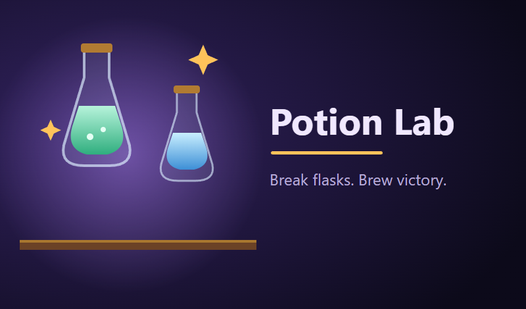
- Shiny glass break: Flasks flash brighter as they take damage. You get a visual cue right before the final shatter happens.
- Alchemist power-ups: Grab the sticky paddle to keep the ball from flying past you. It gives you a second chance.
- Shelf patterns: Stone dividers force you to bank shots at weird angles. You cannot just aim straight up anymore.
- Upgrade shop: Spend your hard-earned coins on a wider paddle. You will regret skipping these permanent stat boosts later.
How to Play
Mastering Potion Lab controls
Use your mouse or touch to slide the tome left and right. Potion Lab controls feel snappy, but keep your eyes on the ball at all times. A common mistake is staring at the paddle instead of the projectile. Track the arc to hit the shelf edges.
How to play Potion Lab effectively
Aim for the stone dividers to create massive chain reactions. You want to clear the glass flasks quickly to earn coins for shop upgrades. Once you learn how to play Potion Lab, save your slow-motion power-ups for the final rows. The arches in the later stages make aiming a nightmare.
Who Should Play Potion Lab?
Frequently Asked Questions about Potion Lab
Can I play Potion Lab on my phone?
Yes, the game works on mobile browsers without any issues. The touch controls are responsive enough for those high-speed levels where you need to react instantly to the ball.
How many levels does Potion Lab have?
There are 30 levels packed into the game. Each one introduces new shelf layouts that get progressively meaner as you work your way toward the end of the list.
Is Potion Lab free to play?
Yes, Potion Lab is free to play on Nub Games. No download or registration required.
What age rating is Potion Lab?
The catalog age rating for Potion Lab is 0+.