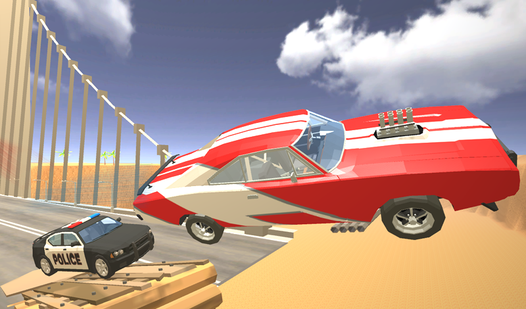







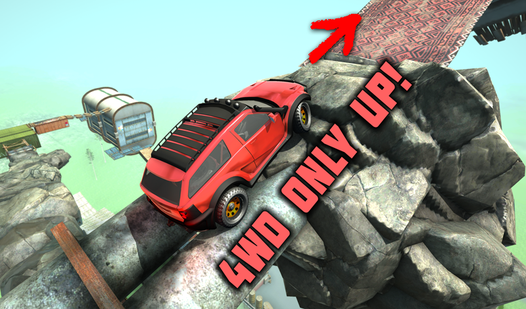


Key Features
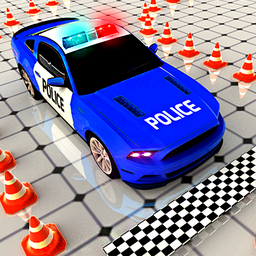
- Tight handling: The vehicle has a heavy turning radius that demands patience. You have to anticipate your swing early to avoid clipping the curb.
- Timer pressure: Every second counts when you are maneuvering. You will panic once the clock starts flashing red.
- Parking puzzles: Levels change the layout of the lot. You cannot rely on the same path twice.
- Visual feedback: The 3d environment highlights your mistakes. You see exactly where you hit the barrier.
How to Play
Mastering Police Car movement
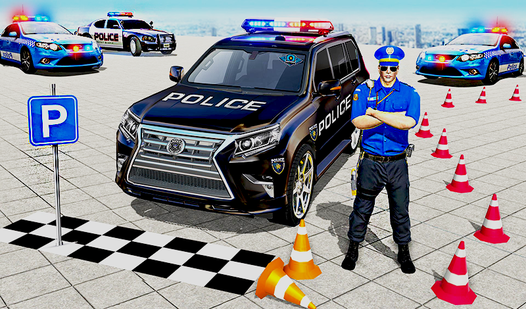
Use your arrow keys to steer the vehicle. On a mobile device, tapping the screen handles the turning. You need to line up your bumper perfectly with the yellow marks. If you go too fast, you will slide right past the spot and waste precious seconds.
Police Car: The collision rule
Avoid hitting the surrounding obstacles at all costs. The game is unforgiving if you scrape a fence or another vehicle, as it resets your progress. To learn how to play Police Car properly, focus on slow, deliberate inputs. The Police Car controls feel a bit slippery, which makes precision difficult.
Who Should Play Police Car?
Frequently Asked Questions about Police Car
Can I play Police Car on my phone?
Yes, it works on mobile browsers. You just tap the screen to steer your vehicle into the parking space.
What are the controls for Police Car?
You use the arrow keys on your desktop keyboard to move. If you are on a phone, use your thumbs to tap the screen directions.
Is Police Car free to play?
Yes, Police Car is completely free to play on Nub Games. There are no in-app purchases. No download or registration required.
Can I play Police Car on mobile?
Police Car works on both desktop and mobile devices. Best played in landscape mode.
What age rating is Police Car?
The catalog age rating for Police Car is 6+.