


Key Features
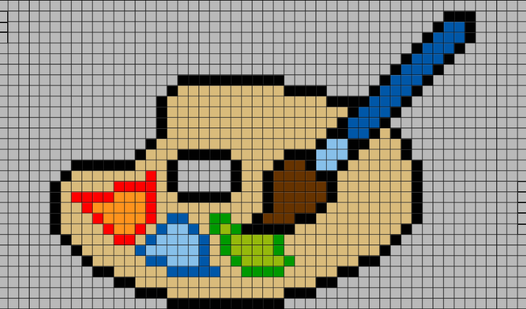
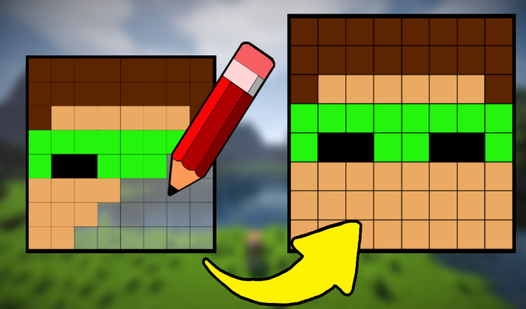
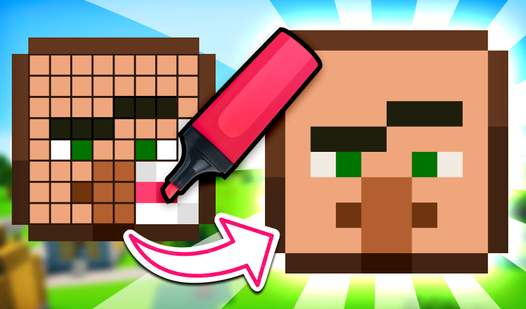
- Grid Freedom: Scale from tiny 8x8 icons up to massive 128x128 portraits. The larger canvases give you room to add real texture.
- Color Control: The eyedropper tool saves your favorite shades. This makes keeping your palette consistent across the whole drawing much faster.
- Instant Saving: Download your art directly to your PC. It is a free way to keep your work without creating an account.
- Simple Tools: The bucket fill is a lifesaver for backgrounds. It turns a boring white space into a colored scene in one click.
How to Play
Pixel Draw: mastering the basics
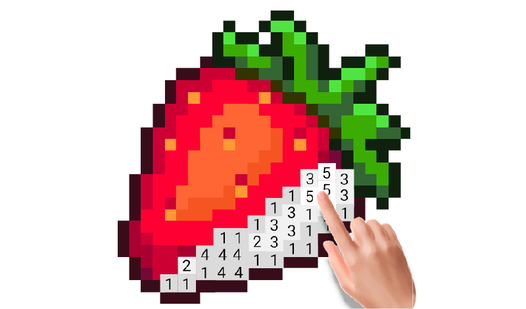
To learn how to play Pixel Draw, start by picking a canvas size that fits your ambition. Use your mouse or touchscreen to tap pixels and paint them. The Pixel Draw controls are simple, but zooming in helps if your eyes start to hurt after staring at tiny squares for too long.
Fixing mistakes in Pixel Draw
Everyone messes up a line eventually. Don't sweat it. Just hit the undo button to wipe away your last stroke. A common mistake is forgetting to check your canvas size before you start drawing, because you cannot resize your masterpiece once you have already laid down the first few colors.
Who Should Play Pixel Draw?
Frequently Asked Questions about Pixel Draw
How do you save your art in Pixel Draw?
Once you finish your piece, look for the download button in the toolbar. It saves your work as an image file directly to your device for you to keep.
Can I play Pixel Draw on my phone?
Yes, you can use your phone or tablet to draw on the go. The touch interface works well, though painting on the tiny 8x8 grid can be a bit finicky.
Is Pixel Draw free to play?
Yes, Pixel Draw is completely free to play on Nub Games. There are no in-app purchases. No download or registration required.
Can I play Pixel Draw on mobile?
Pixel Draw works on both desktop and mobile devices. Best played in landscape mode.
What age rating is Pixel Draw?
The catalog age rating for Pixel Draw is 6+.