











Key Features
- Massive mob library:
- Creative workshop mode:
- Clean pixel interface:
- Blocky color palette:
How to Play
Mastering the Draw Mine Mobs! grid
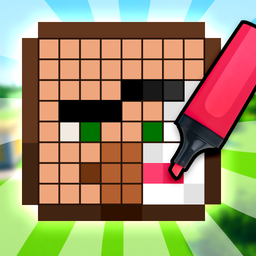
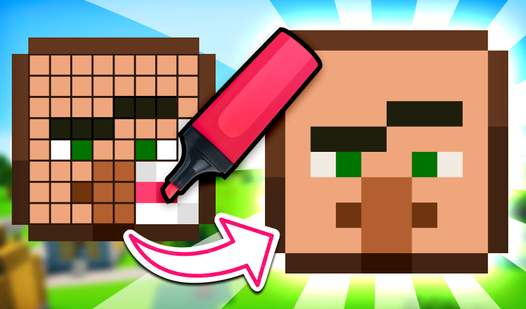
Use your mouse or tap the screen to drop colors onto the grid. You have to match the reference head exactly if you want that star rating. The Draw Mine Mobs! controls are simple enough, but don't rush. Most players mess up by clicking too fast and missing the edge pixels.
How to play Draw Mine Mobs! effectively
Check your progress against the reference image constantly. If you get a color wrong, swap to the eraser tool to clean up your mistake. Learning how to play Draw Mine Mobs! is about patience. Once you finish the head, it pops onto your shelf for everyone to see.
Who Should Play Draw Mine Mobs!?
Frequently Asked Questions about Draw Mine Mobs!
How many levels does Draw Mine Mobs! have?
There are 114 levels waiting for you to complete. Each one unlocks a new mob head to add to your personal collection shelf.
Can I play Draw Mine Mobs! on my phone?
Yes, it works fine on mobile devices. Just tap the colors and drag your finger to fill in those tricky pixel corners.
Is Draw Mine Mobs! free to play?
Yes, Draw Mine Mobs! is completely free to play on Nub Games. There are no in-app purchases. No download or registration required.
Can I play Draw Mine Mobs! on mobile?
Draw Mine Mobs! works on both desktop and mobile devices. Best played in landscape mode.
What age rating is Draw Mine Mobs!?
The catalog age rating for Draw Mine Mobs! is 6+.