











Key Features
- Massive Gallery: With over 70 paintings, you will never run out of shapes to fill. Some are simple stickers, while others are giant, complex scenes.
- Coloring Tools: Speed up your work with boosters. They fill in large areas so you can focus on the tiny details.
- Varied Difficulty: The complexity scales up quickly. You start with basic icons and end up with massive, high-detail portraits that demand patience.
- Zen Vibes: It is a relaxing way to shut your brain off after a long day of staring at spreadsheets.
How to Play
Mastering Color Pixels controls
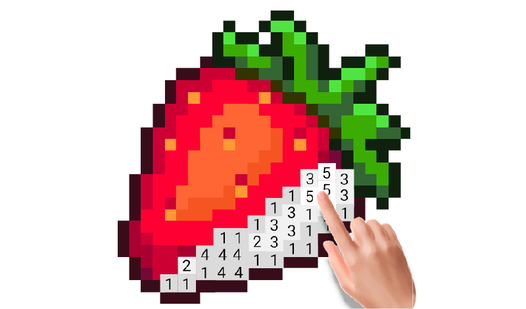
Click a number at the bottom, then find the matching pixels on the canvas. Use your mouse or finger to drag across the screen to fill in the spots. Color Pixels controls feel a bit twitchy on smaller touchscreens, so take your time to avoid clicking the wrong shade.
How to play Color Pixels efficiently
If you want to know how to play Color Pixels like a pro, use the power-ups to blast through huge sections of a drawing. Don't worry about finishing every canvas in one sitting. Just find a color that looks good and start filling in the blanks.
Who Should Play Color Pixels?
Frequently Asked Questions about Color Pixels
Can I play Color Pixels on my phone?
Yes, it works on mobile browsers just as well as on a desktop. You can tap and drag your way through the drawings without needing an app.
How many levels does Color Pixels have?
There are over 70 different paintings available right now. Each one offers a different level of detail, ranging from simple icons to complex giant canvases.
Is Color Pixels free to play?
Yes, Color Pixels is completely free to play on Nub Games. There are no in-app purchases. No download or registration required.
Can I play Color Pixels on mobile?
Color Pixels works on both desktop and mobile devices. Best played in portrait mode.
What age rating is Color Pixels?
The catalog age rating for Color Pixels is 0+.