








Key Features
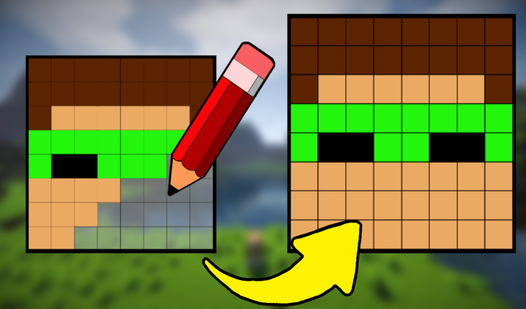
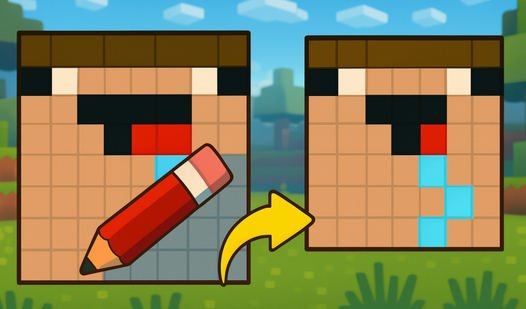
- Progression: Complete pictures to earn coins and unlock more designs.
- Tools: Use hints to find the next pixel and bombs or paint buckets to fill larger areas.
- My Works: Access unfinished pictures and completed artwork in the My Works section.
How to Play
Coloring
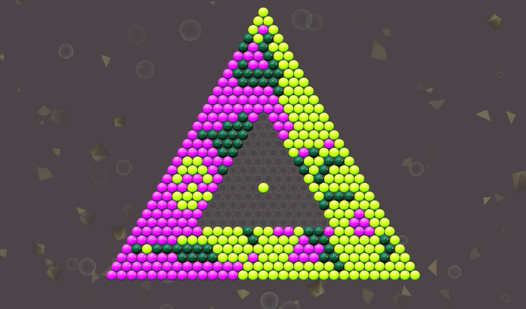
Select a picture and a numbered color from the palette. On desktop, left-click or hold and drag to color. On mobile, tap or drag across matching pixels.
Navigation
On desktop, scroll the mouse wheel to zoom, hold the right mouse button and drag to move, or hold Space and drag with the left mouse button. On mobile, drag with one finger to move and pinch with two fingers to zoom.
Using Tools
Select a tool such as hints, bombs, or paint buckets, then click or tap a pixel to use it.
Who Should Play Pixel Coloring: Cozy Collection?
Frequently Asked Questions about Pixel Coloring: Cozy Collection
Can I save my progress?
Yes, your unfinished and completed pictures are saved in the My Works section so you can return to them later.
How do I fill larger areas?
You can use bombs and paint buckets to fill larger areas of the picture.
Is Pixel Coloring: Cozy Collection free to play?
Yes, Pixel Coloring: Cozy Collection is free to play on Nub Games. Optional in-app purchases are available. No download or registration required.
Can I play Pixel Coloring: Cozy Collection on mobile?
Pixel Coloring: Cozy Collection works on both desktop and mobile devices.
What age rating is Pixel Coloring: Cozy Collection?
The catalog age rating for Pixel Coloring: Cozy Collection is 6+.