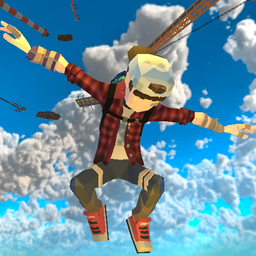
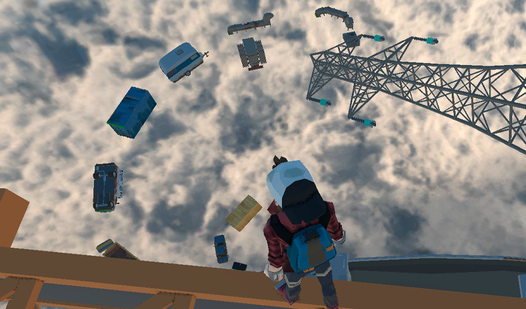











Key Features
- Saving Progress: The game allows you to lock in your current height. This keeps you from losing an hour of climbing to one bad slip.
- Precision Grabbing: Focus on the green highlights to pull yourself up. It feels much lighter than standard platforming movement.
- Vertical Scaling: Everything is stacked upward. You are always gaining altitude.
- Reflex Testing: One bad movement sends you into the abyss. You have to stay sharp.
How to Play
Only Go Up!: Mastering the Movement
Use WASD to move and Space to jump. You need to combine these with the crawl and roll keys to fit through tight gaps. Learning how to play Only Go Up! is mostly about finding the rhythm in your movement. Don’t just spam the jump key or you’ll fly off into nothingness.
Only Go Up! controls: Don't miss the green
Only Go Up! controls feel a bit slippery at first, so stop running before you commit to a jump. Look for the green zones on platforms. These indicate where you can actually grab hold. If you miss, you’re falling all the way back to the bottom. It’s a harsh lesson.
Who Should Play Only Go Up!?
Frequently Asked Questions about Only Go Up!
How do you grab ledges in Only Go Up!?
You need to jump toward the green-highlighted zones on objects. Your character automatically latches on once you make contact, provided you are within range.
Can I play Only Go Up! on my phone?
The game is currently built for desktop browsers using a keyboard and mouse. It does not support touch controls, so you will need a computer to climb.
Is Only Go Up! free to play?
Yes, Only Go Up! is completely free to play on Nub Games. There are no in-app purchases. No download or registration required.
Can I play Only Go Up! on mobile?
Only Go Up! is currently available on desktop only. Best played in landscape mode.
What age rating is Only Go Up!?
Only Go Up! has a content rating of 6++. It is suitable for all ages.