











Key Features
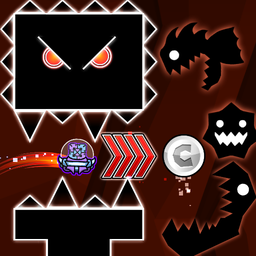
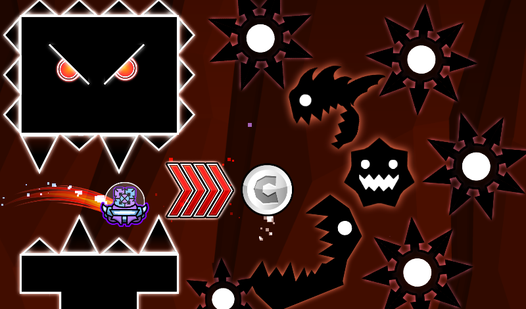
- Gravity sandbox: Place saws and speed portals anywhere to mess with the physics. Your layout dictates how quickly the UFO moves.
- Custom difficulty: You decide if the level is a relaxing cruise or a frame-perfect test of your reflexes.
- Visual tweaks: Change the background color to keep your eyes sharp during long build sessions.
- Object management: Drag and drop items with ease. It makes arranging complex traps feel much faster.
How to Play
Mastering UFO Editor controls
To learn how to play UFO Editor, you need to understand the bounce. Clicking the mouse or tapping the screen gives you a slight upward nudge. You fall constantly, so timing those clicks is the only way to avoid hitting the floor. UFO Editor controls feel a bit floaty until you get the rhythm down.
Building in UFO Editor
Use the menu to drag saws and portals into your workspace. If the trash icon glows red, you are in delete mode. Avoid the common mistake of placing obstacles too close together, or you will find your creation impossible to clear. Keep building until you have a path that makes you sweat.
Who Should Play UFO Editor?
Frequently Asked Questions about UFO Editor
Can I play UFO Editor on my phone?
Yes, it works perfectly on mobile devices. Just tap your screen to bounce instead of clicking, and you can build or play levels anywhere you have a connection.
How do you delete objects in UFO Editor?
Click the trash can icon at the bottom of the screen. Once it glows red, any object you click on will be removed from your level instantly.
Is UFO Editor free to play?
Yes, UFO Editor is completely free to play on Nub Games. There are no in-app purchases. No download or registration required.
Can I play UFO Editor on mobile?
UFO Editor works on both desktop and mobile devices. Best played in landscape mode.
What age rating is UFO Editor?
The catalog age rating for UFO Editor is 6+.