







Key Features
- Cosmetic chaos: Turn your bald guy into an ice cream cone or a soccer ball. It looks ridiculous.
- Resource grind: Everything you break drops something useful. Your inventory fills up before you even realize you are hoarding digital rocks.
- Upgrade path: Better tools lead to faster mining. You will start clearing entire fields in seconds once you ditch that plastic starter toy.
- Ad rewards: Watch a quick clip to snag extra crystals. It helps when you are short on materials for a big build.
How to Play
Mastering Whatcraft movement
Use WASD or tap to move your bald hero. You need to gather basic resources fast because the game world gets greedy for materials quickly. Whatcraft controls feel a bit floaty when you first start, so do not panic if you overshoot a resource node on your initial run.
Upgrading in Whatcraft
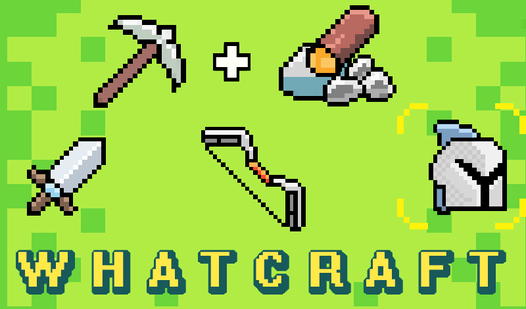
Once you have enough items, head back to your base to craft better gear. This is how to play Whatcraft efficiently. Stop trying to punch trees with the plastic pickaxe forever. You need stone tools to reach the deep ores, and you will regret wasting time if you ignore the crafting menu.
Who Should Play Whatcraft?
Frequently Asked Questions about Whatcraft
Can I play Whatcraft on my phone?
Yes, it works fine on mobile browsers. The touch controls are responsive enough for gathering resources, though your fingers might block the screen during intense mining sessions.
How do you get more skins in Whatcraft?
You unlock them using crystals earned while playing or by watching advertisements. The soccer ball skin is worth the effort just to look silly while you work.
Is Whatcraft free to play?
Yes, Whatcraft is completely free to play on Nub Games. Optional in-app purchases are available. No download or registration required.
Can I play Whatcraft on mobile?
Whatcraft works on both desktop and mobile devices. Best played in portrait mode.
What age rating is Whatcraft?
The catalog age rating for Whatcraft is 12+.